Projects scoped per organisation
Project, file and cloud routes now check the organisation context before data is opened or changed.
OpenAEC Ecosystem
Open source IFC validation tool. Validate models against IDS specifications, Dutch standards and project requirements — in the browser, via CLI or API.
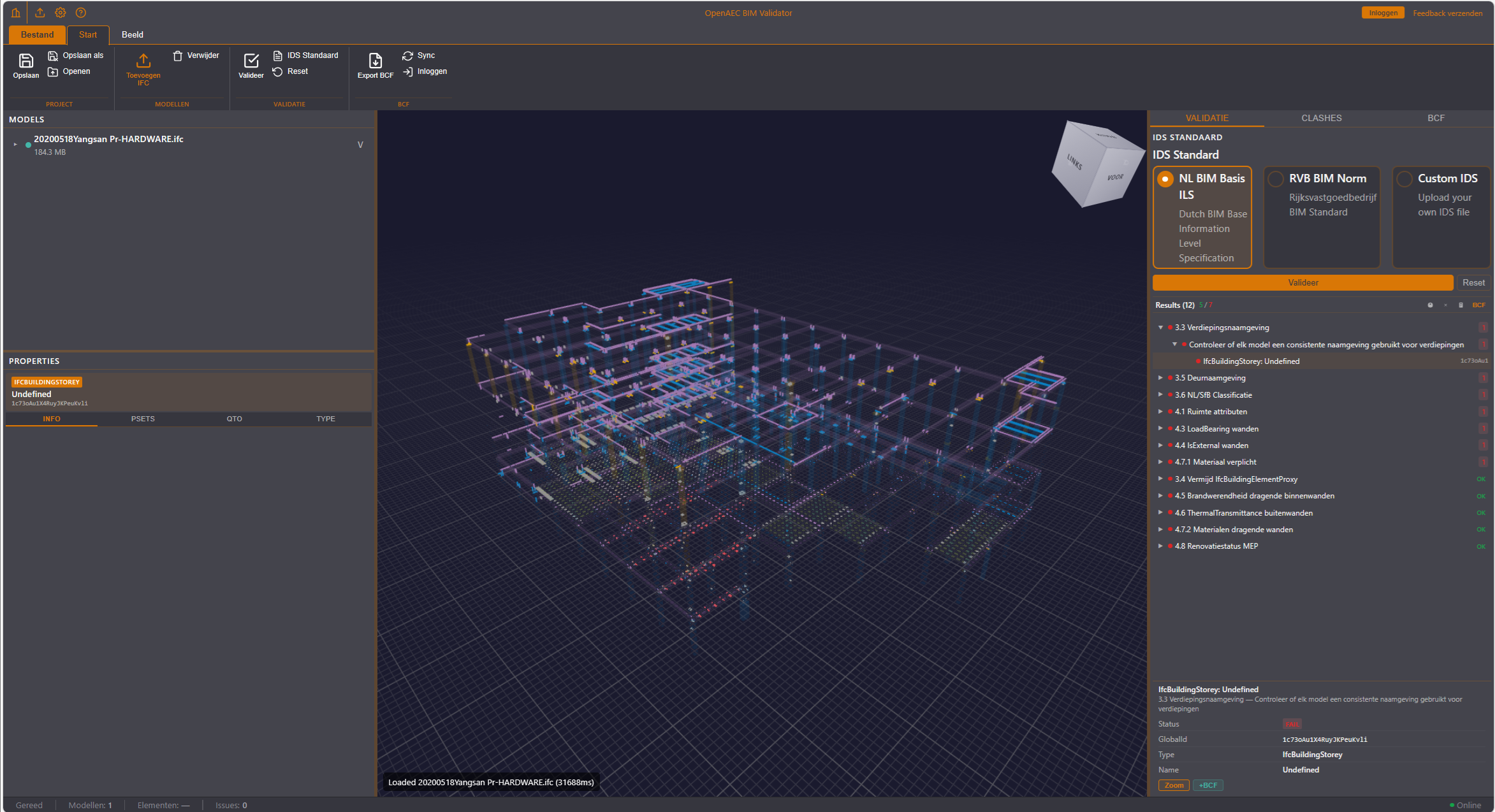
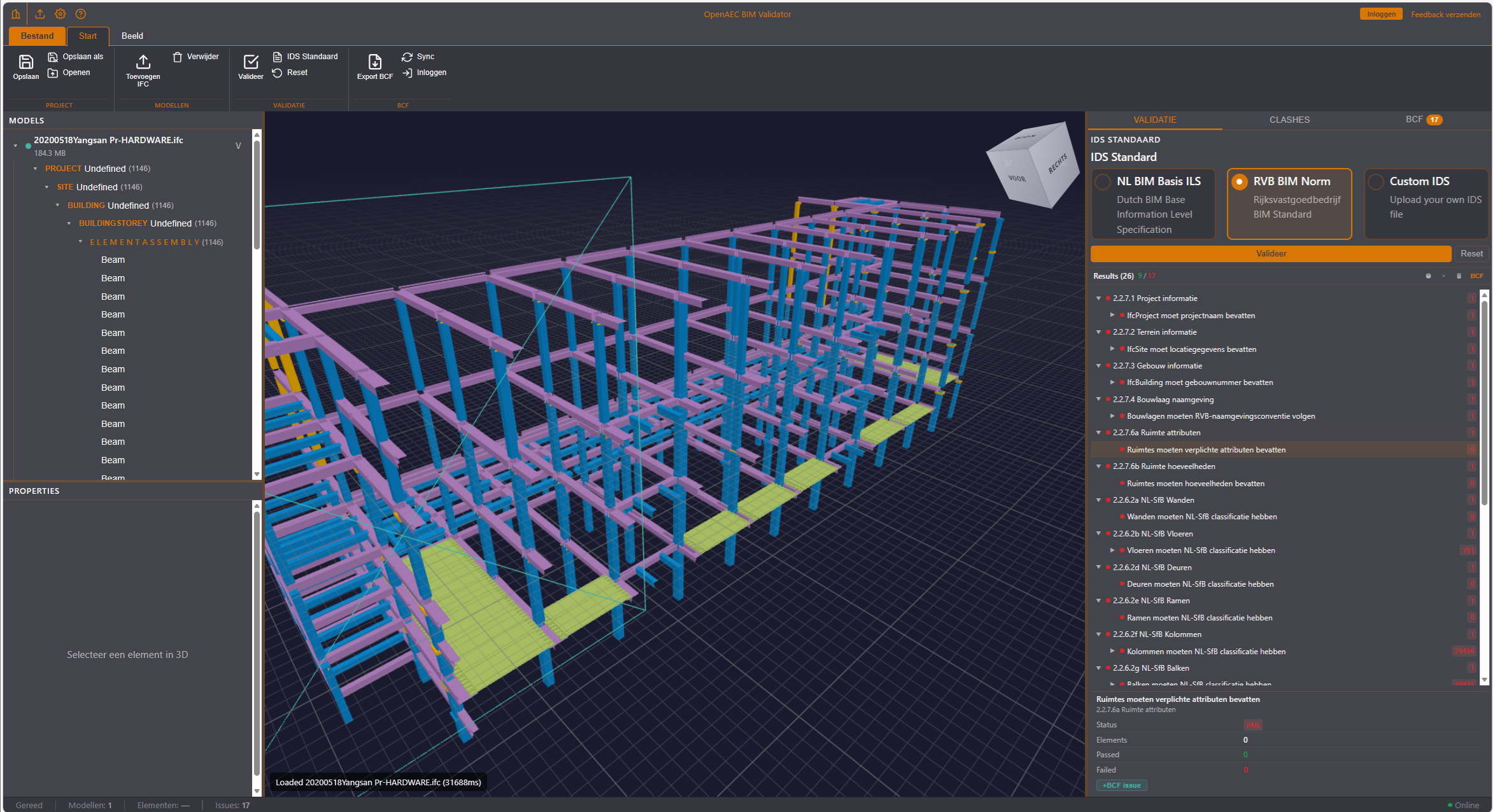
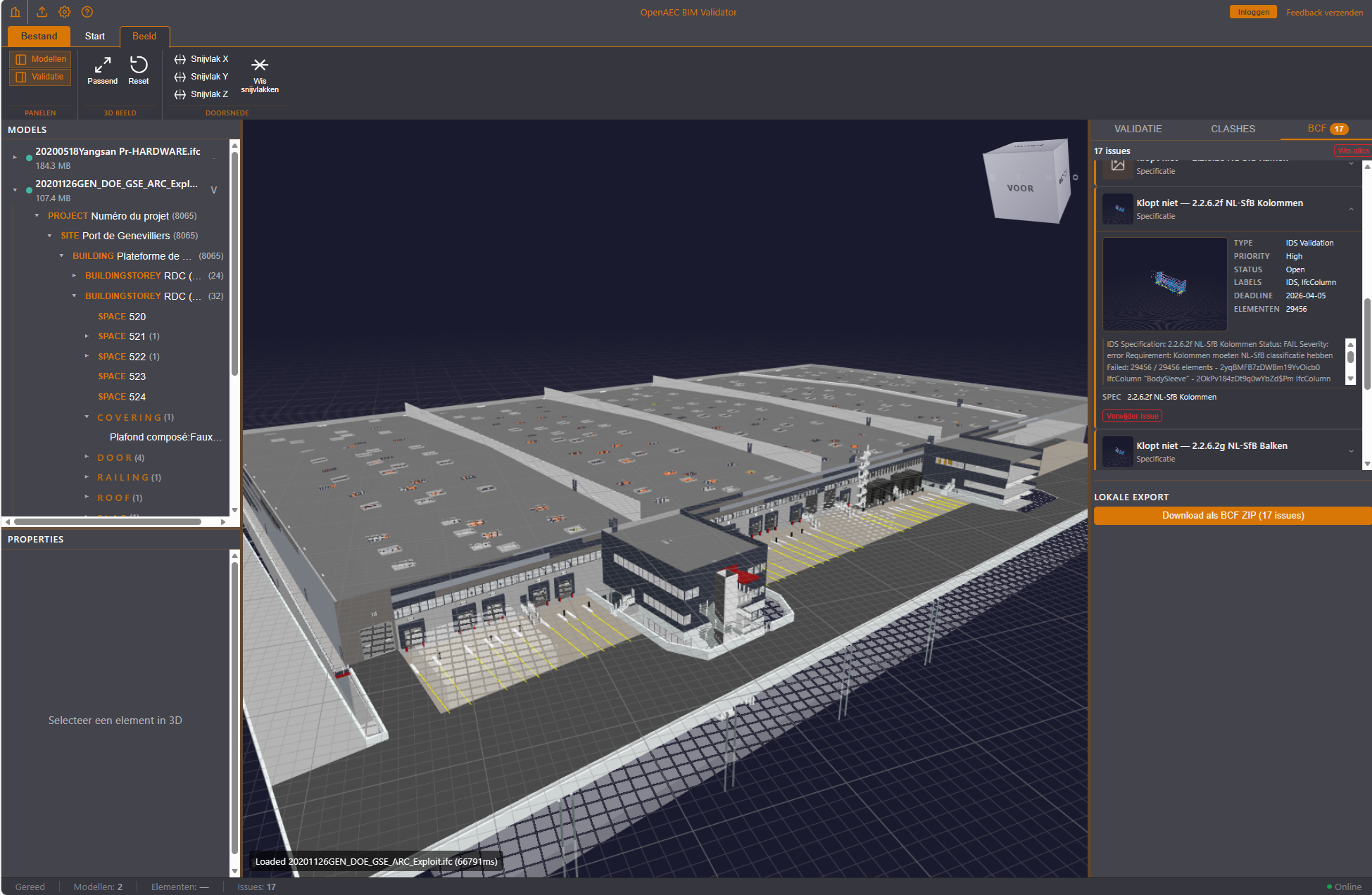
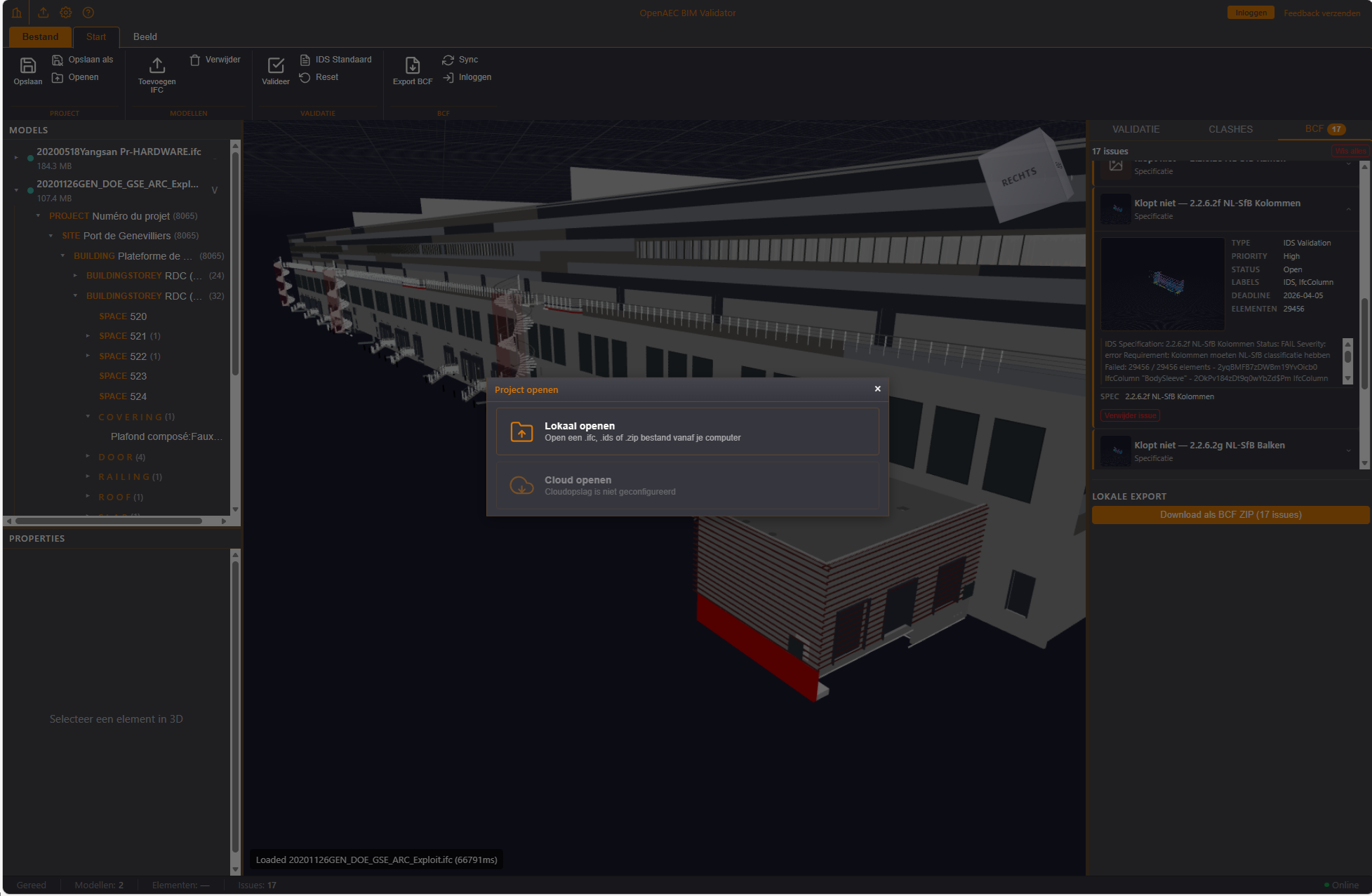
| Feature | Description |
|---|---|
| IDS validation | Validate IFC models against Information Delivery Specification (IDS) files. Every specification is checked per element for pass/fail with detailed error messages. |
| NL BIM Basis ILS v2 | Built-in Dutch BIM baseline standard with 12 specifications: storey naming, NL/SfB classification, space attributes, load-bearing structure, exterior surfaces, fire resistance, U-value, materials and renovation status. |
| RVB BIM Norm v1.1 | Built-in Rijksvastgoedbedrijf (Dutch government real estate agency) standard with 27 specifications for government construction projects: project info, site coordinates, NL-SfB per element type, structural & fire-safety properties and zone information. |
| Custom IDS upload | Upload your own IDS specification file (max 10MB) to validate against project-specific or organisation-specific requirements. |
| Multi-schema | Supports both IFC2X3 and IFC4 schemas — compatible with exports from Revit, ArchiCAD, Tekla and other BIM software. |
| Element-level reporting | For every failed element, the GlobalId, IFC class, element name and a detailed error message are shown. |
| Feature | Description |
|---|---|
| WebGL 3D viewer | Interactive 3D view of the IFC model in the browser via That Open Engine (Three.js). No installation or plugin needed. |
| Element selection | Click an element in the 3D viewer to view its properties, or click an error in the results list to highlight the element in 3D. |
| Camera navigation | Orbit, pan and zoom through the model. Fit-all button to bring the entire model into view. |
| Resizable panels | Draggable three-way split: navigation panel (left), 3D viewer (centre) and detail panel (right). Every panel is collapsible. |
| Feature | Description |
|---|---|
| BCF 2.1 ZIP export | Export all validation errors as a BCF 2.1 ZIP file. Every failed element becomes a BCF topic with a viewpoint, directly importable into Revit, Solibri, BIMcollab or Navisworks. |
| BCF Platform integration | Connect to the OpenAEC BCF Platform to push issues straight to a central project dashboard. Includes OIDC authentication and project selection. |
| Issue queue | Local overview of generated BCF issues with thumbnails and expandable detail, before you export or push to the platform. |
| Feature | Description |
|---|---|
| Web application | Fully browser-based interface with drag-and-drop upload, standard selection, progress bar, results view and 3D viewer. |
| CLI | ifc-validate model.ifc --ids nl-bim — suited for batch processing, CI/CD pipelines and scripting. Output as console, JSON or HTML. |
| REST API | FastAPI backend with async validation endpoints. Integrable into your own workflows, dashboards or third-party tools. |
| Feature | Description |
|---|---|
| Results dashboard | Overview card with total pass/fail, percentage, number of validated elements and timestamp. |
| Specification breakdown | Expandable list per specification with pass/fail status, percentage and a paginated list of failed elements. |
| JSON export | Download complete validation results as a structured JSON file for further analysis or archiving. |
| HTML report | Generate a standalone HTML report for sharing with the project team or client. |
| Feature | Description |
|---|---|
| Drag & drop upload | Drag IFC, IFCXML or IFCZIP files into the browser. Maximum 500MB per file. |
| Memory management | Automatic check whether enough RAM is available (IFC files use ~10x their file size in memory). Temporary files are cleaned up immediately. |
| Large files | Optimised for IFC models up to 1GB+. Progress indicator during processing. |
| Feature | Description |
|---|---|
| Docker deployment | Full Docker Compose setup with backend, frontend, nginx, PostgreSQL and Redis. One command to start everything. |
| On-premises | Run the validator on your own server for maximum control over data and privacy. No cloud dependency. |
| Multi-tenant | Project storage with optional NextCloud integration for file management per organisation. |
| SSO authentication | OIDC-based single sign-on for enterprise environments. |
Project development
The validator is under active development. These are the most notable recent improvements from the public repository.
Project, file and cloud routes now check the organisation context before data is opened or changed.
The frontend tooling and data parser have been updated and the reported security issues in the dependency check have been resolved.
The project workflow now supports local project files, saving as a new project, and opening or updating from linked project storage.
Section planes can be selected and dragged directly in the 3D view for targeted model inspection.