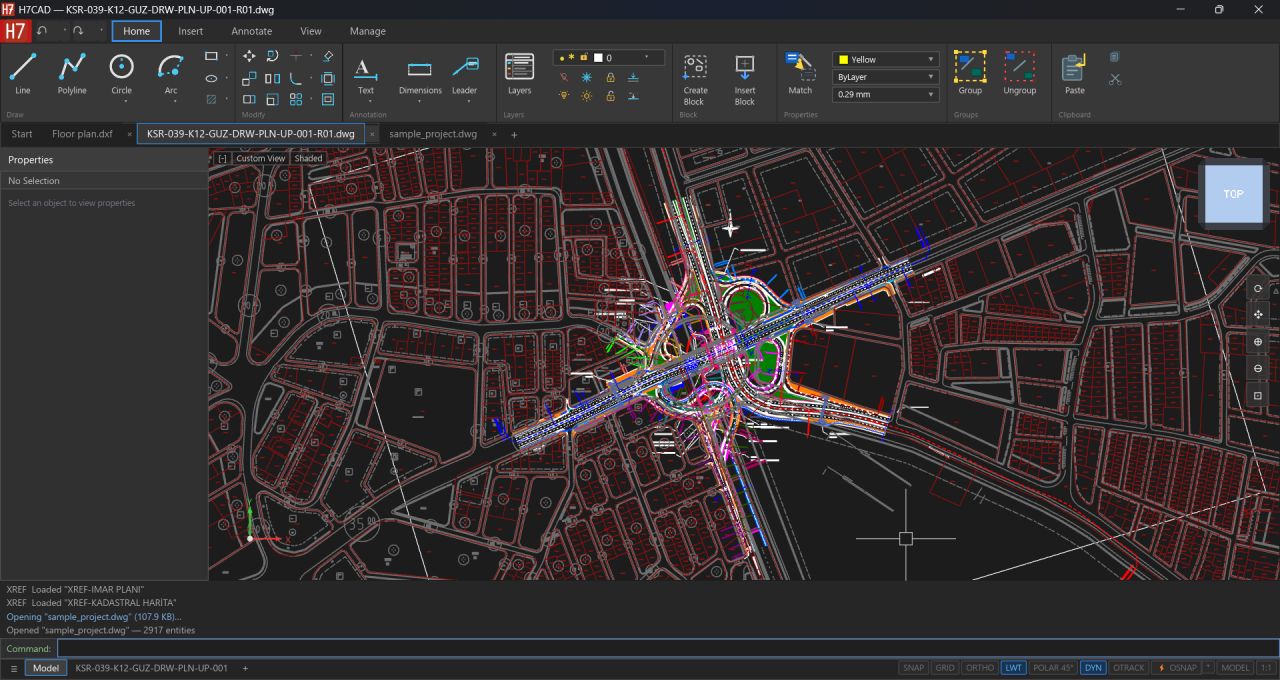
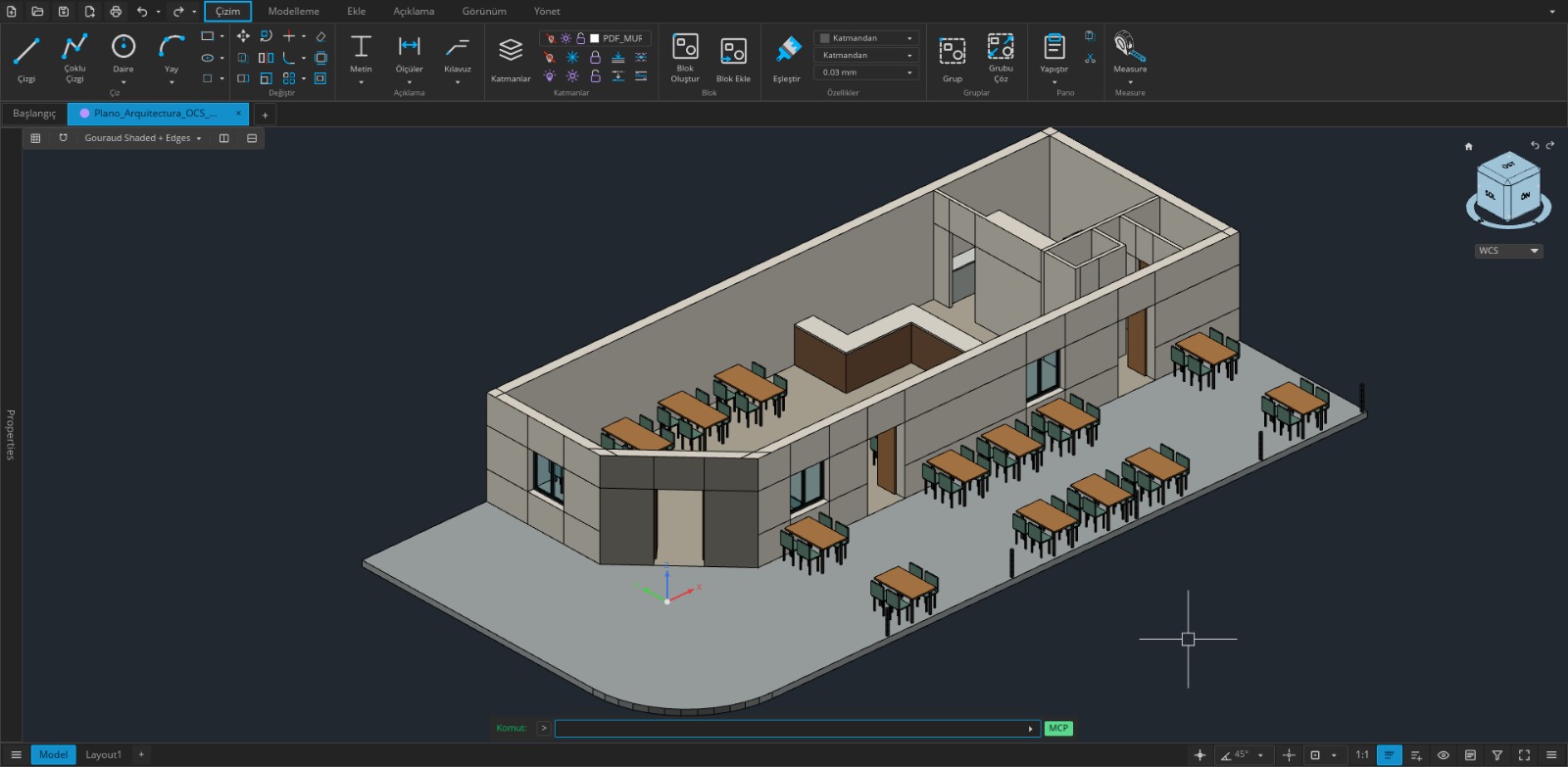
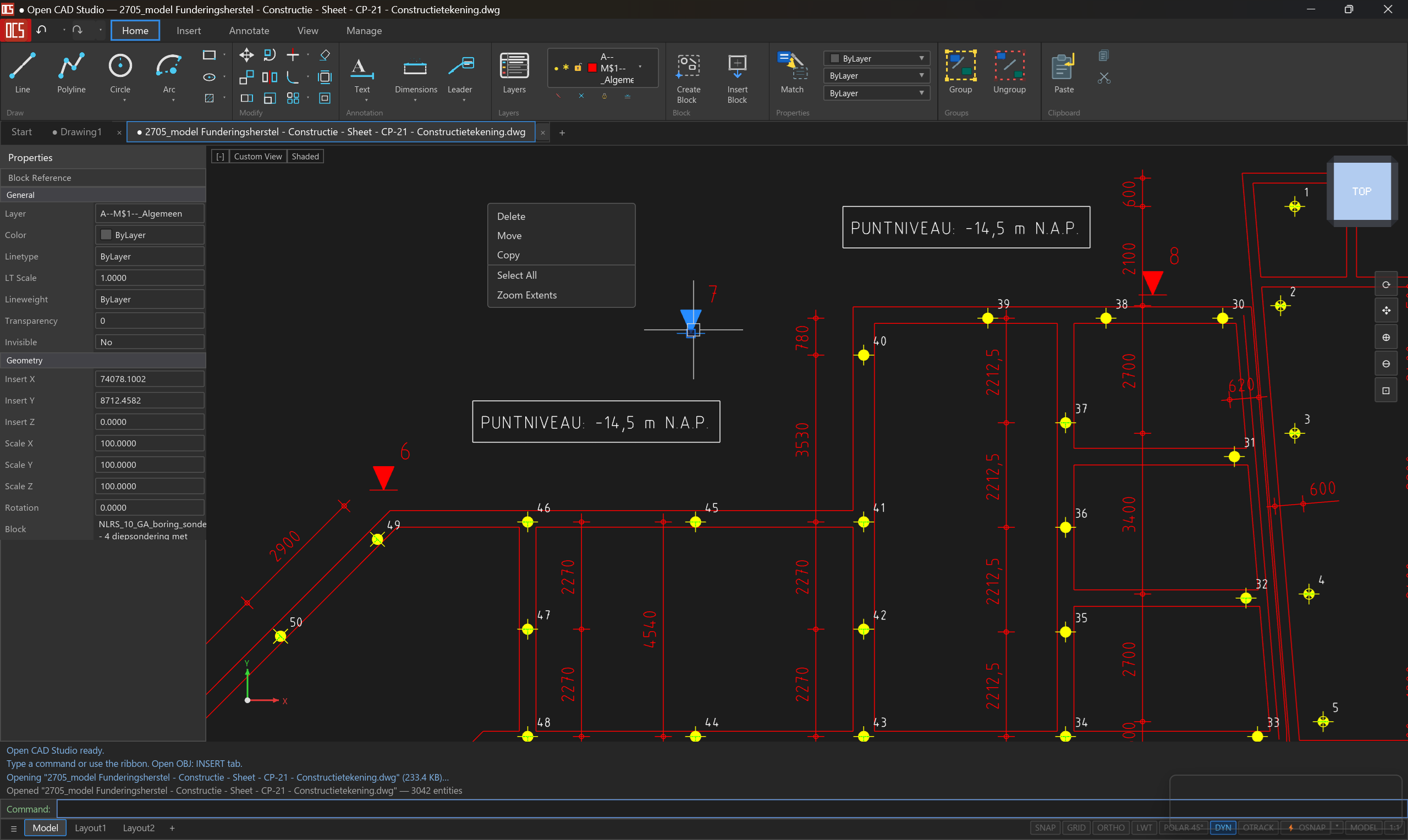
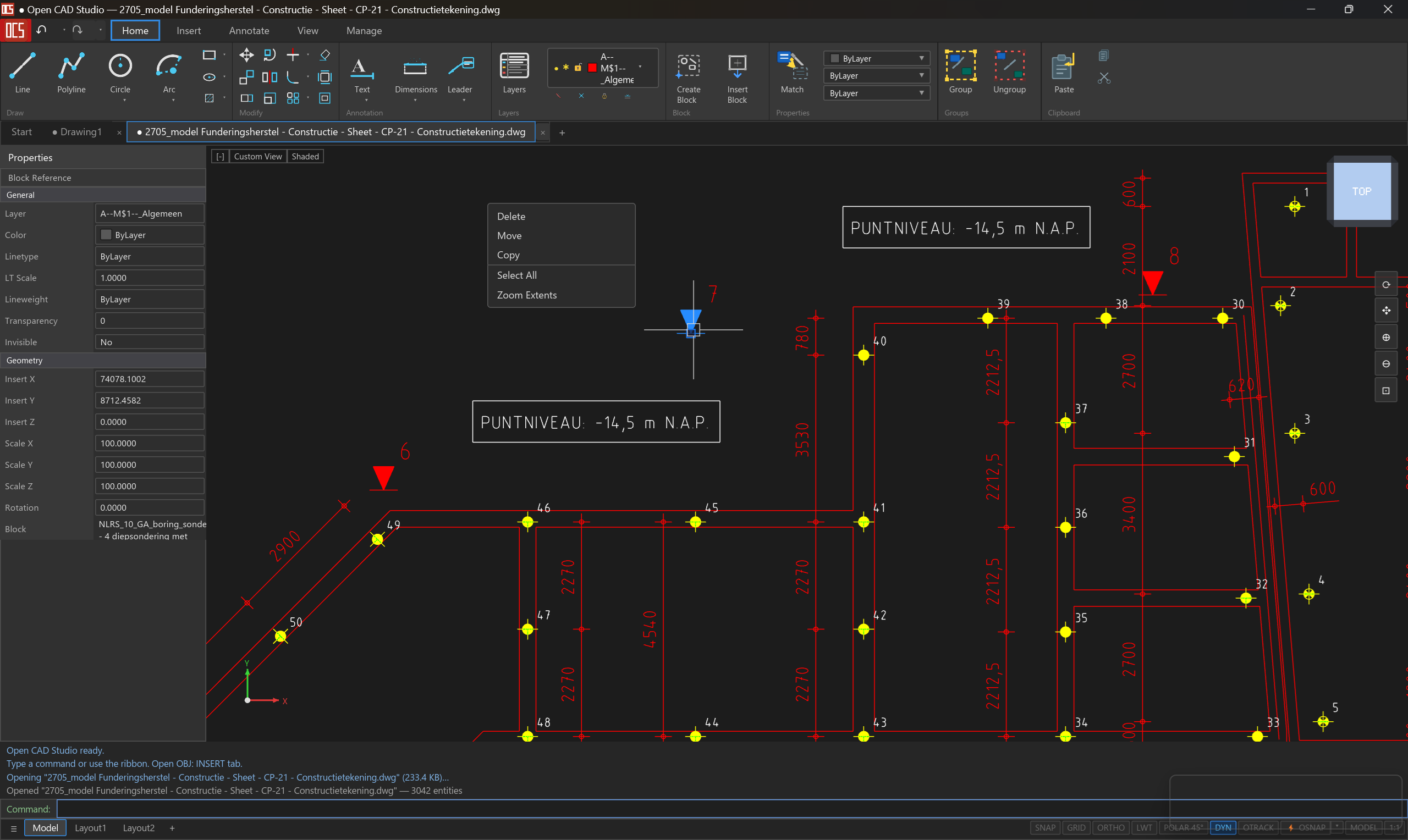
What is Open CAD Studio?
Open CAD Studio is an independent open-source CAD project filling a major gap in AEC tooling: a modern, performant, native DWG/DXF-compatible CAD application that doesn't depend on Autodesk, Bricsys or other commercial vendors. Entirely written in Rust, with GPU-accelerated rendering via wgpu and an interactive UI in iced.
The OpenAEC Foundation views Open CAD Studio as a natural addition to the ecosystem. The project isn't developed by us, but it fits our mission: promoting open source software for the entire AEC chain. We link to it actively and encourage collaboration.
License: GPL-3.0 (note: different from our own LGPL-3.0 tools, which is more permissive for library use).
File formats — native DWG & DXF
Perhaps the most important feature: Open CAD Studio reads and writes DWG and DXF natively, across all versions from R13 through R2018. No converters, no workarounds, no Autodesk libraries.
DWG (R13–R2018)
Native reading and writing of DWG files — the de-facto industry-standard format. Without third-party library licenses.
DXF (R13–R2018)
Full DXF read/write including modern versions. Compatible with AutoCAD, BricsCAD, LibreCAD and any CAD application that supports DXF.
STL / STEP / OBJ
Export to STL and STEP AP203 for 3D printing and CAM. OBJ import for 3D models from other sources.
PDF plot
Plot layouts directly to PDF — with correct paper sizes read from embedded PlotSettings.
WBLOCK
Write selected entities or a block to an external file for reuse.
XREF
External references (xrefs) attach, reload and auto-resolve — just like AutoCAD.
2D drafting
Complete 2D drafting package with all the commands you'd expect from a professional CAD application:
Basic geometry
LINE, PLINE, RECTANG, POLYGON, CIRCLE, ARC, ELLIPSE, SPLINE
Modify
OFFSET, TRIM, EXTEND, FILLET, BREAK, STRETCH, LENGTHEN — works on lines, arcs, ellipses, polylines and splines
Transformations
ARRAY, MIRROR, MOVE, COPY, ROTATE, SCALE, EXPLODE
Hatch
HATCH and HATCHEDIT with pattern, scale and angle editing.
Properties
MASSPROP — area, perimeter and centroid of selected entities.
Text editing
DDEDIT — double-click to edit text. MTEXT, TEXT, DTEXT with font browser.
3D modelling
Full 3D modelling capabilities with ACIS solids tessellation:
Primitives
BOX, SPHERE, CYLINDER — basic solids for parametric modelling.
Extrude & revolve
Profile-based solids: EXTRUDE for linear extrusion and REVOLVE for rotation about an axis.
Loft & sweep
LOFT between multiple profiles, SWEEP along any path.
3D Array
ARRAY3D — rectangular or polar arrays in 3D.
ACIS tessellation
Renders 3DSOLID, REGION and BODY entities — solids from DWG/DXF are displayed correctly.
GPU-accelerated
wgpu-based rendering. Smooth interaction with large models, even with many solids at once.
Annotations & dimensions
Full dimensioning, GD&T, leaders, tables and mlines — all with style managers and correct DIMSTYLE behaviour (DIMASZ, DIMSCALE, DIMEXO, DIMEXE, …).
- Dimensies: linear, aligned, angular, radial, diameter, ordinate
- Tekst: MTEXT, TEXT, DTEXT met font browser (STYLE DIALOG)
- Leaders: MLEADER met straight en spline paths · MLEADERSTYLE manager
- GD&T tolerances: feature control frames
- Tables: TABLE entities · TABLESTYLE manager
- MLines: MLINE met MLSTYLE manager en EXPLODE-ondersteuning
Paper space & layouts
Multi-tab layout
Model space + unlimited paper space tabs. Camera position and zoom saved per layout.
Viewport projection
Model content correctly projected into paper-space viewport rectangles. Double-click for inline MSPACE overlay.
Viewport presets
VPORTS — single, 2H, 2V, 4-way configurations.
Plot styles
PLOTSTYLEPANEL and STYLESMANAGER — CTB/STB plot style table editor.
PRINT
Send layouts directly to the system printer with correct paper sizes from embedded PlotSettings.
Layout manager
LAYOUTMANAGER / LAYOUTPANEL — GUI for layout management.
Technology
Rust
iced (UI)
wgpu (GPU)
DWG R13–R2018
DXF R13–R2018
ACIS tessellation
GPL-3.0
Entirely written in Rust — memory-safe, fast, compiles to Windows, macOS and Linux. UI via iced, GPU rendering via wgpu. Native DWG/DXF without vendor lock-in.
⭐
1912
GitHub stars · open-source CAD app built by one independent developer