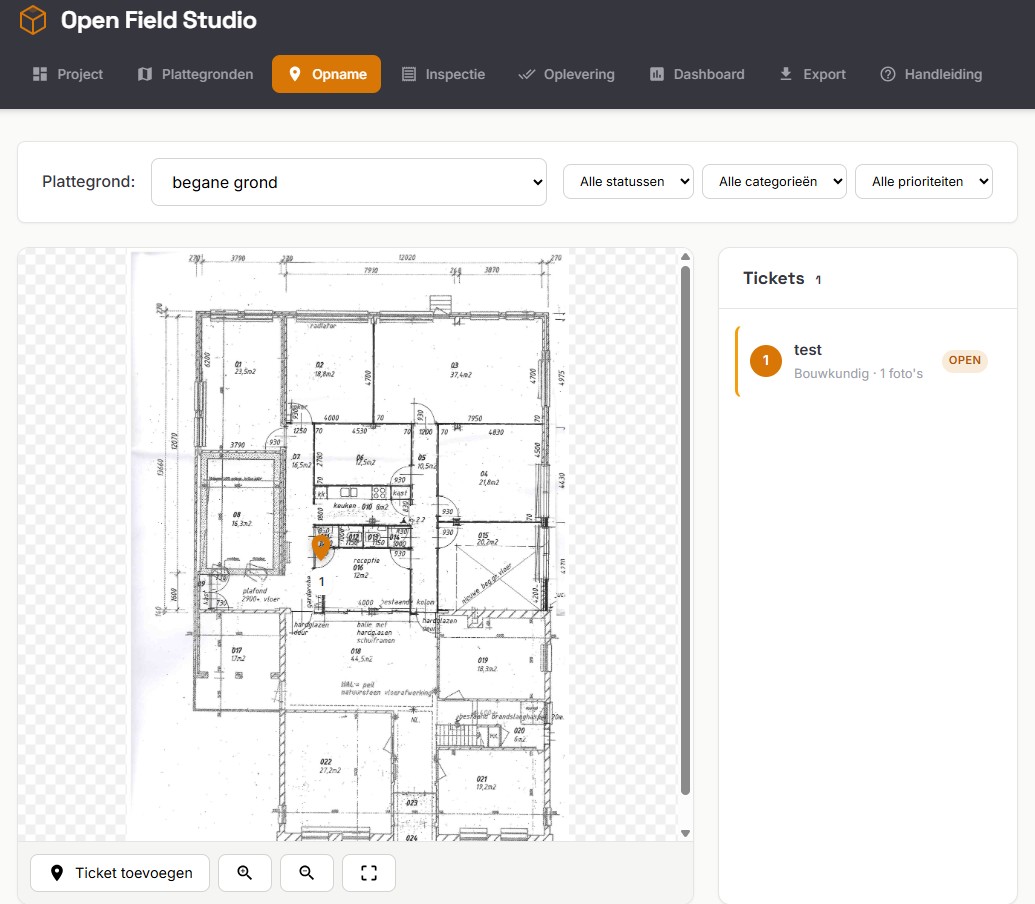
01 Survey
Defects straight on the floor plan
Load a floor plan, PDFs included, and pin each defect in the right spot. A ticket gets a category, priority, status and assignee, with photos attached. Filter by status, category or priority.
Inspection and handover
Inspect, hand over and record on the construction site
Pin defects on the floor plan, work through a checklist and have the handover signed on screen. With photos, a dashboard and a report for every party, even without internet.
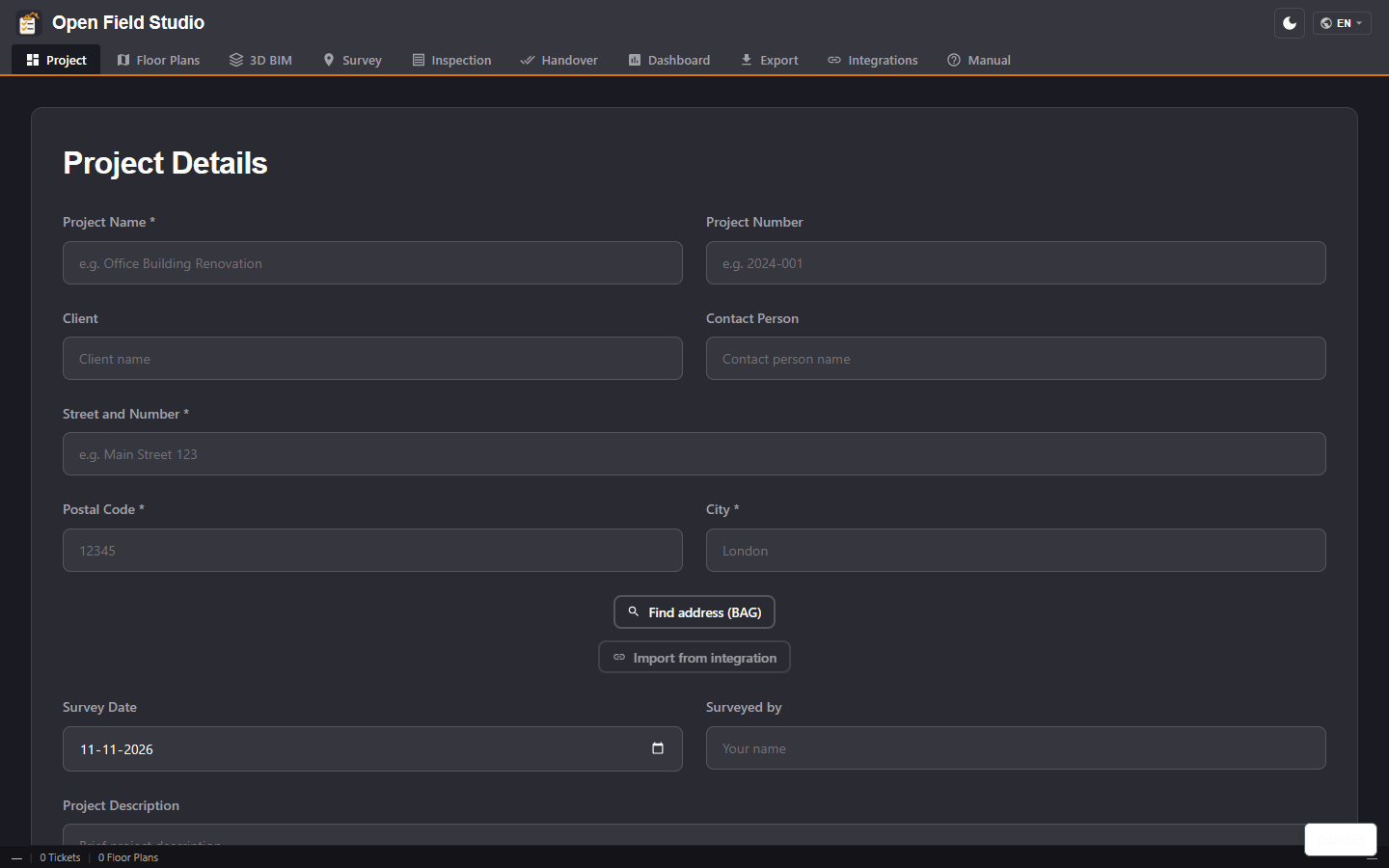
Not production-ready yet: this tool is in development. You can try it out, but do not use it for real project work yet. Report what you run into on GitHub.
Features
Start with the highlights or pick a topic.
01 Survey
Load a floor plan, PDFs included, and pin each defect in the right spot. A ticket gets a category, priority, status and assignee, with photos attached. Filter by status, category or priority.
02 Inspection
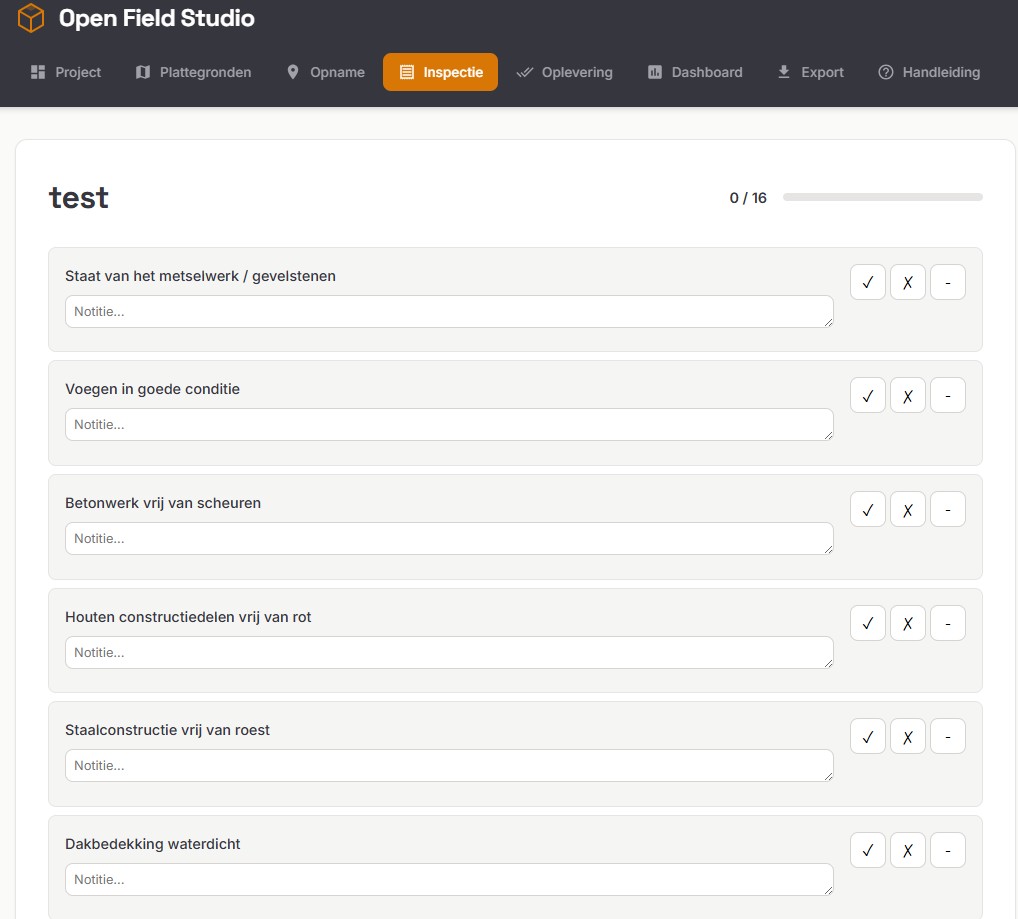
From building surveys and the Wkb basic check to underfloor heating, ventilation and heritage buildings. Every item has the right input type: pass or fail, a choice, a measured value with unit, a photo or the NEN 2767 condition scale.
03 Handover
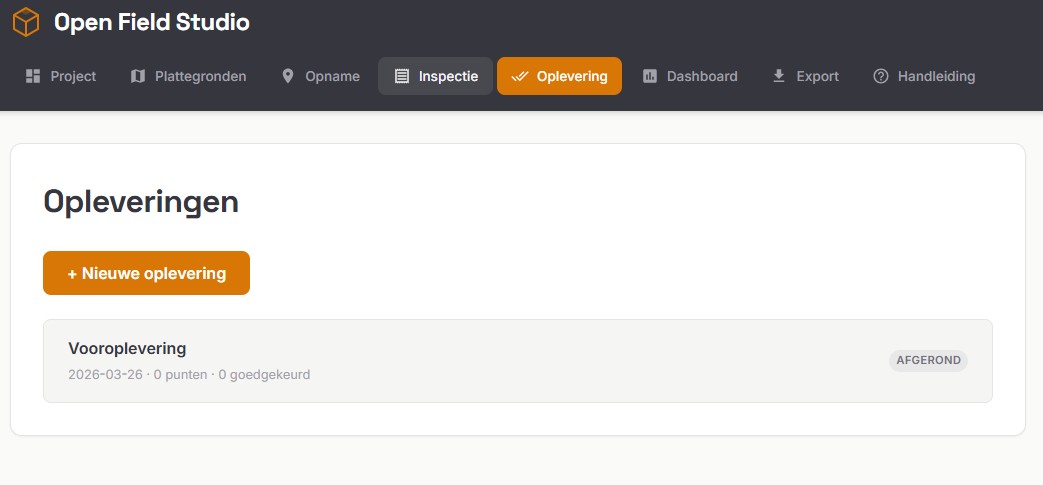
Go through the items, give a verdict per ticket and have every party sign on screen. The handover record, with documents attached, is ready straight away.
04 Dashboard
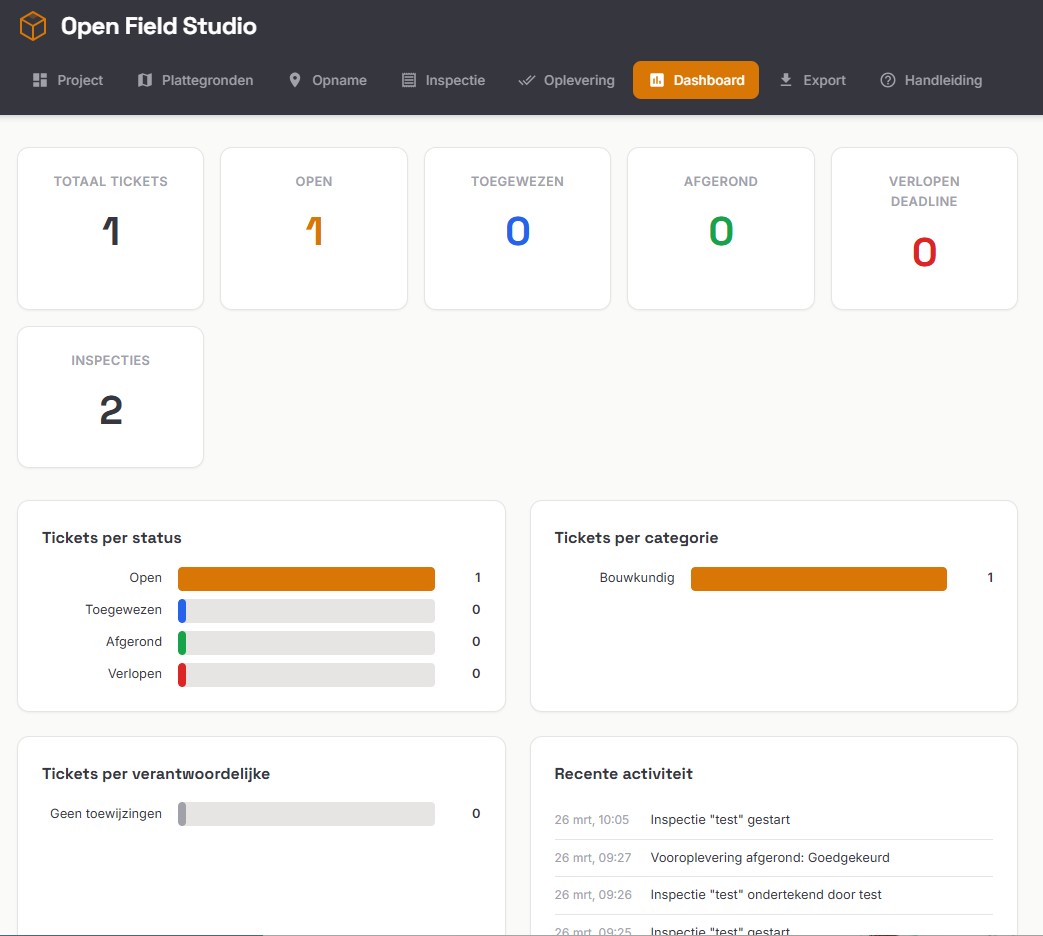
The dashboard counts tickets per status, category and assignee, flags overdue deadlines and keeps track of what happened recently.
05 Reports
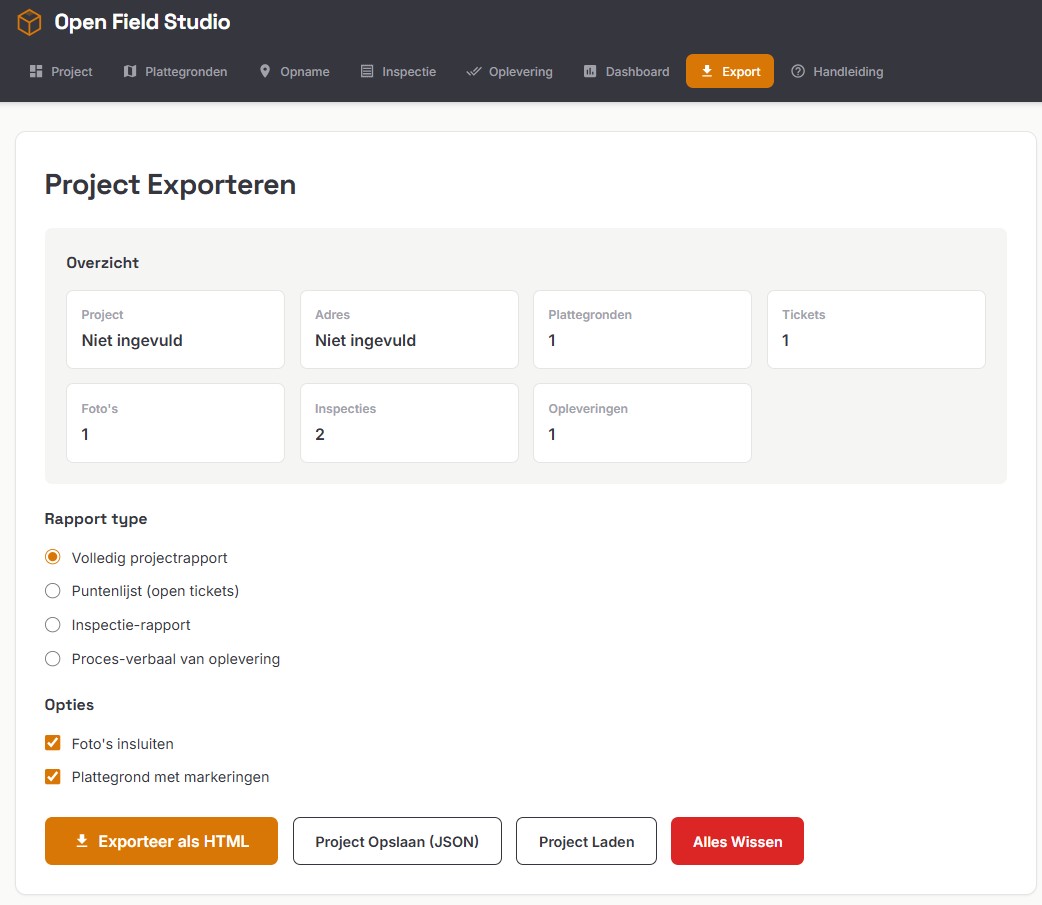
Create a full project report, a punch list of open tickets, an inspection report or a handover record, with photos and the marked-up floor plan. As PDF, HTML or BCF.
Defects and remarks as pins on the floor plan, with category, priority, status and assignment.
Pass or fail, choices, measured values with units, photos and the NEN 2767 condition scale.
All the data for a survey according to NTA 8800, in a structured checklist.
Structure and envelope, historic interior, moisture and damage, and a maintenance plan with costs.
A handover record with a verdict per ticket, documents attached and signatures on screen.
Take photos from within the app. Each photo carries its time and GPS location, in the report too.
Everything the app needs is built in. Your data stays on your own device.
An Android app and a layout that also works on a small screen, with large buttons.
Look up the address in the Dutch BAG register by postcode and house number, and fetch the energy label from EP-Online with one click.
Open an IFC model (IFC 2x3 or IFC4) and orbit, pan and zoom in 3D.
Dutch, English, German and French, with a light and a dark theme.
Tickets per status, category and assignee, overdue deadlines and recent activity.
Project report, punch list, inspection report or handover record, with photos and the marked-up floor plan.
Tickets as BCF 2.1 with photos, so you can follow them up in BIM software.
Send a handover file to Woningborg, SWK, ERPNext or your own webhook, among others, and fetch project data and drawings.
Download
Free, no account needed. For Windows and Linux, as an Android app, or right in the browser.
On an iPhone or iPad, Open Field Studio works in the browser. Open it here.
Rather not install anything? The app also runs fully in the browser, on any computer, tablet or phone.
New in v0.3
Connections now have their own tab. You no longer only send files to them, you also fetch project data, contacts and drawings from them. The full list is in the release notes.
All connections in one place, showing for each one whether it has been set up.
Fetch a complete project from ERPNext or a webhook: name, number, client, address, contacts and drawings.
When you save and when you complete a handover, the project file goes back to the linked project automatically.
The installed app now also reaches systems that refuse connections from the browser.
A notice appears next to the version number as soon as a newer version is on GitHub.
The report now opens straight in the print dialog; choose Save as PDF there.
To try it out, yes, but not yet for real project work. The app is in development and not production-ready yet. Report what you run into on GitHub; that helps get it ready.
Nothing. The app is free and open source, under the CC BY-SA 4.0 licence. No subscription and no licence fees per user.
Yes. Everything the app needs is built in, and your data stays on your own device. Only looking things up in registers such as the BAG and sending to a connection need internet.
There are apps for Windows, Linux and Android, and the web version runs in any modern browser, including on an iPhone, iPad or Mac. The layout also works on a phone with a small screen.
On your own device. Photos, floor plans and signatures are stored locally. You save a project as a JSON file and load it again later, on another device too.
Fifteen templates, including a building survey, building services, safety, the Wkb basic check, underfloor heating, ventilation, an energy label and heritage buildings. Some use the NEN 2767 condition scale.
Yes. You send a handover file to Woningborg, SWK, ERPNext or your own webhook, for example for n8n, among others. From ERPNext or a webhook you can also fetch project data, contacts and drawings.
For those who want to know how it is built.
A thin native shell in Rust for Windows, Linux and Android, with a small installer.
A lightweight interface without a UI framework, which runs in any browser.
Opens floor plans as PDF, bundled so it also works offline.
The 3D viewer for IFC models, as WebAssembly inside the app.
Photos, floor plans and signatures are stored locally, beyond the limited storage of the browser.
Four languages; the app picks the language of your system and remembers your choice.