01 Ribbon
A tab of its own in the ribbon
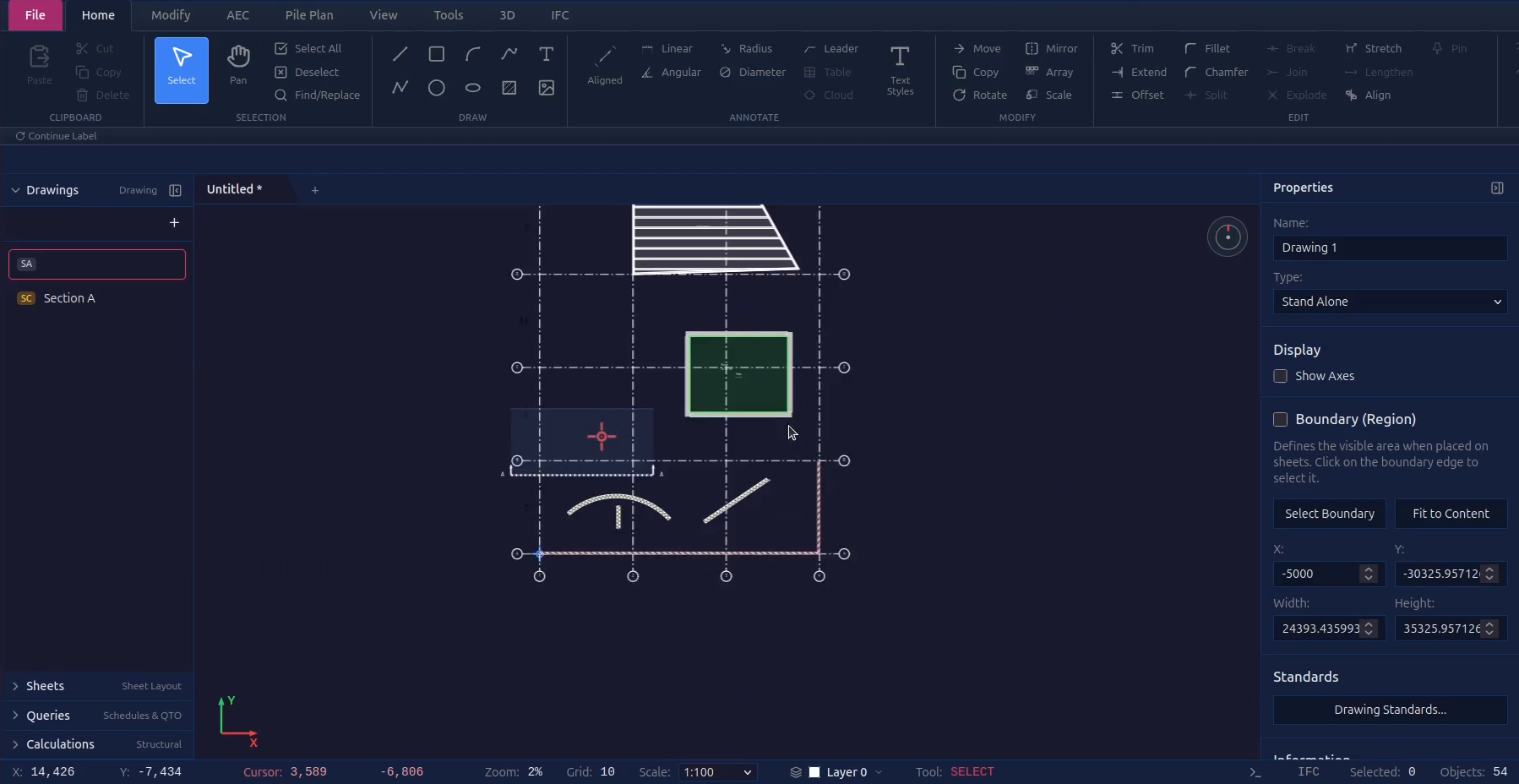
The extension creates an Add-Ins tab, with a large Shape Count button in the Statistics group. One click shows the number of shapes in the drawing. Other extensions can use the same tab.
Extension for Open 2D Studio
What is actually in your drawing?
A small sample extension that counts the shapes in the current drawing by type. It adds an Add-Ins tab with a Shape Count button and the command stats show, and so shows how an extension for Open 2D Studio is put together.
Good to know: Open 2D Studio has been succeeded by Open CAD Studio. This extension is written for the Open 2D Studio extension API and mainly serves as an example.
Features
Start with the highlights or pick a topic.
01 Ribbon
The extension creates an Add-Ins tab, with a large Shape Count button in the Statistics group. One click shows the number of shapes in the drawing. Other extensions can use the same tab.
02 Counting
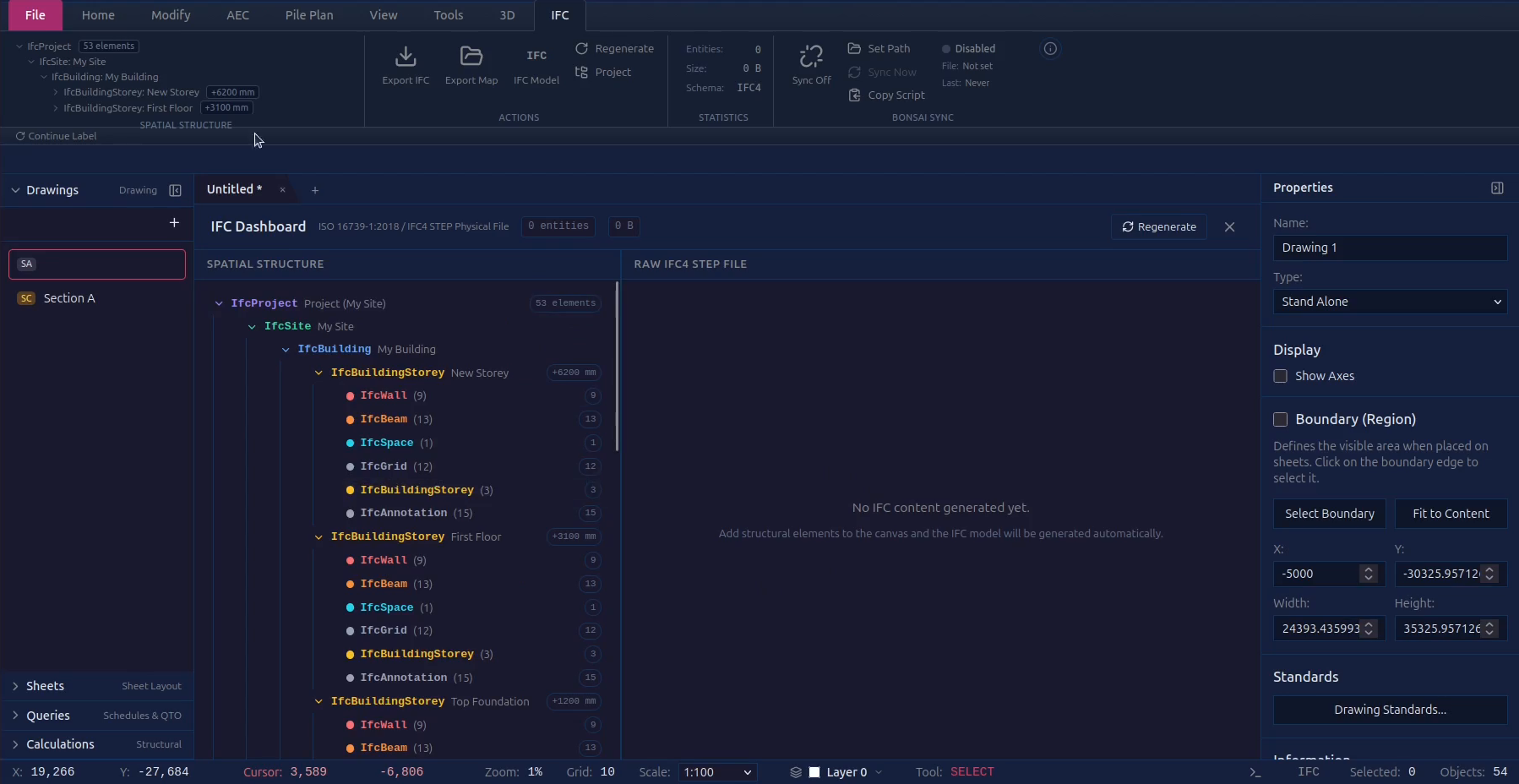
The count goes through every entity in the current drawing and lists them alphabetically by type, with the total at the top. If the drawing is empty, the extension says so.
03 Command
Type stats show in the Open 2D Studio terminal and you get the same count back as text. Handy in a series of commands or for copying.
04 Example
Two files and no build step: manifest.json describes the extension and the permissions it needs, main.js calls the Open 2D Studio API in onLoad. Copy the repository and build on it.
A tab of its own in the ribbon, with the Shape Count button in the Statistics group.
The command stats show returns the count as text.
Every entity in the current drawing, alphabetically by type and with the total.
The extension reads the list of entities and changes nothing in your drawing.
Name, version, minimum app version, category, tags and the permissions of the extension.
Plain JavaScript without a build step, with an onLoad and an onUnload function.
Adding a tab and a button, registering a command and requesting the entities of the drawing.
An extension only asks for what it needs: here commands, ribbon and events.
Download
Free and without an account. The button starts the download right away.
This extension works in the desktop version of Open 2D Studio. Download it on your computer.
New in v1.0.1
Released on 9 February 2026, a few minutes after the first version.
The Shape Count button now sits on an Add-Ins tab of its own, instead of among the buttons of the Home tab.
Other extensions can put their buttons on the same Add-Ins tab.
A small sample extension for Open 2D Studio. It counts the shapes in the current drawing by type and shows how an extension adds a tab, a button and a command to the application.
Download the zip file. In the desktop version of Open 2D Studio, open the app menu, choose Extensions and then Install from file…, and select the zip. The extension is unpacked into the Open 2D Studio extensions folder and loaded right away.
Version 0.15.0 or later.
Every entity in the current drawing, by type, with the total at the top. If the drawing is empty, the extension reports that there are no shapes.
Three: commands for the command stats show, ribbon for the tab and the button, and events. The extension only reads the list of entities in the drawing and changes nothing.
Yes. This extension consists of two files: manifest.json with name, version, minimum app version and permissions, and main.js with an onLoad function that uses the Open 2D Studio API. Use the repository as a starting point.
What is inside the zip file.
The id drawing-statistics, version, minimum app version 0.15.0, category Utility and the permissions commands, ribbon and events.
A CommonJS module with onLoad(api) and onUnload(); the extension API takes care of the cleanup itself.
api.ui.addRibbonTab, api.ui.addRibbonButton, api.commands.register and api.entities.list.
The repository on GitHub holds the README, the manifest and the code.
A count of your drawing, and an example for your own extension.