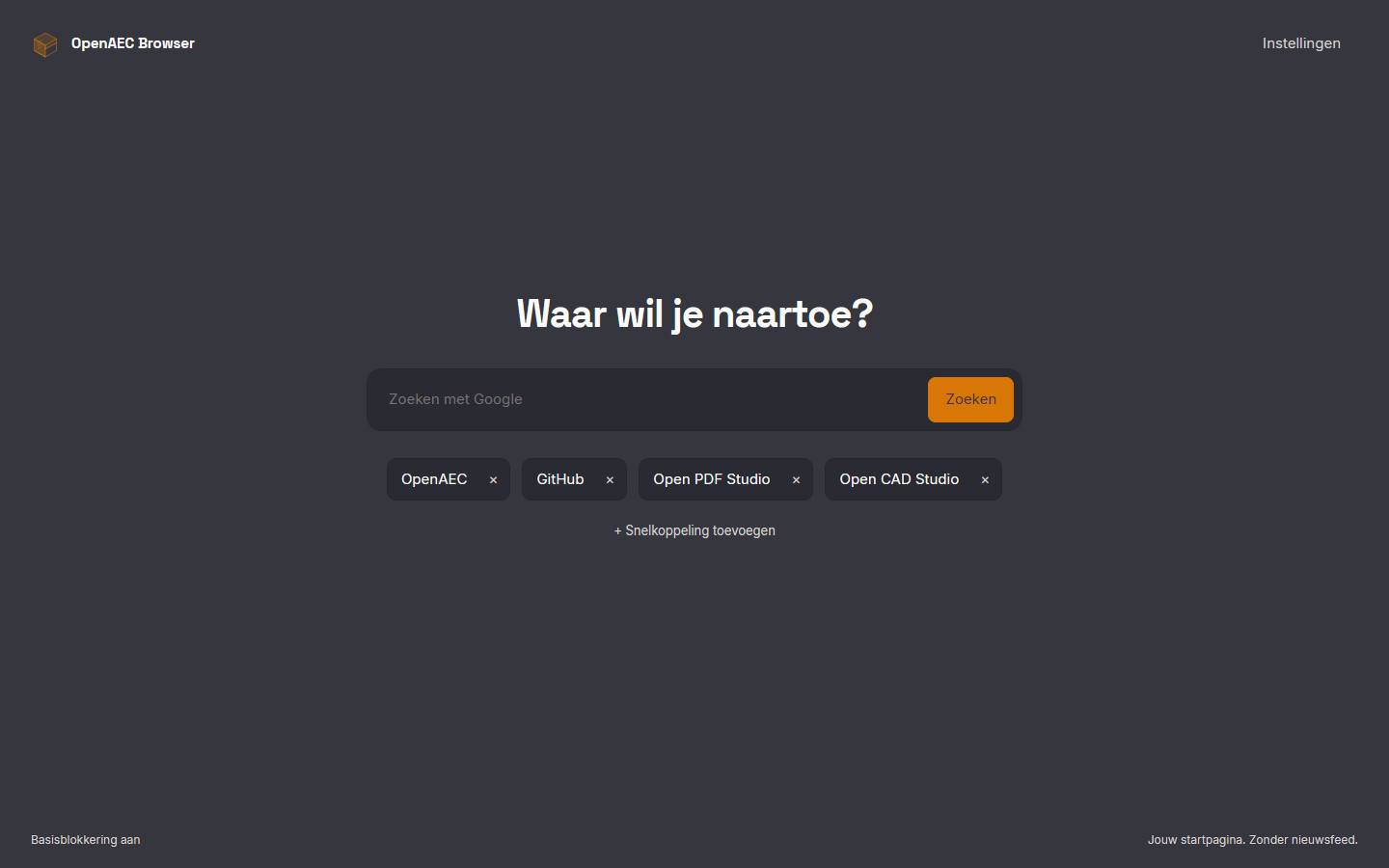
Search and shortcuts
A large search field and your own shortcuts to tools, projects and portals. You add and remove them on the page itself.
Coming soon
A calm browser for your work
A Chromium-based browser with a start page free of news feeds and ads. Your own shortcuts and your SuperCloud environment are there as soon as you open a tab.
Why
Most browsers open with news, recommendations and ads. In OpenAEC Browser a tab opens with a search field and the places you actually go to.
Calm start page Google search and your own shortcuts. No news feed, and the page loads nothing from outside.
Ad blocking On by default, and off with a single switch.
Your SuperCloud at hand Enter the address of your own environment and it is on every new tab.
Light and dark Follows your system theme, in the OpenAEC house style.
Features
A large search field and your own shortcuts to tools, projects and portals. You add and remove them on the page itself.
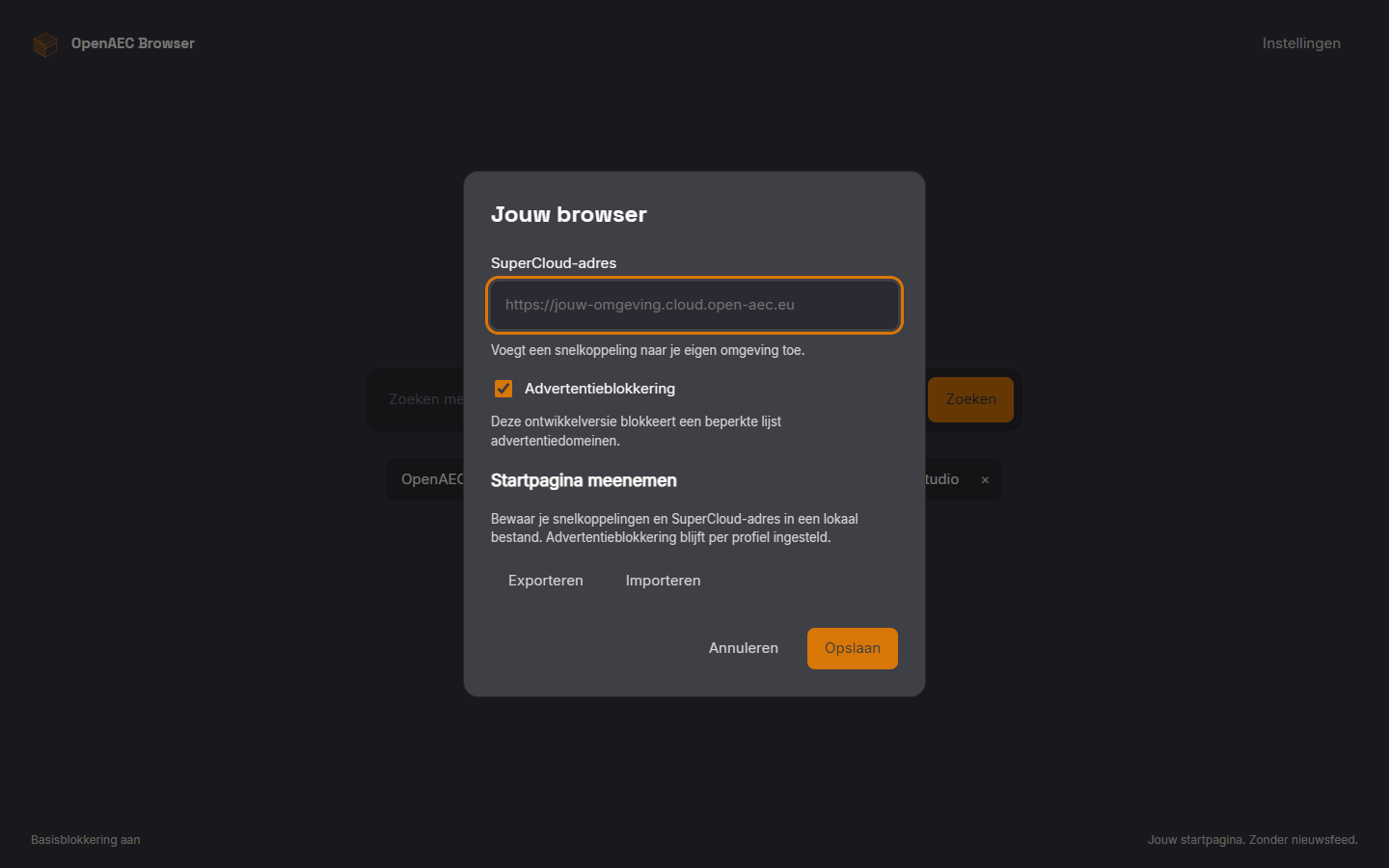
Save shortcuts and your SuperCloud address to a local file and restore them on another profile. An import asks for confirmation first and refuses invalid files.
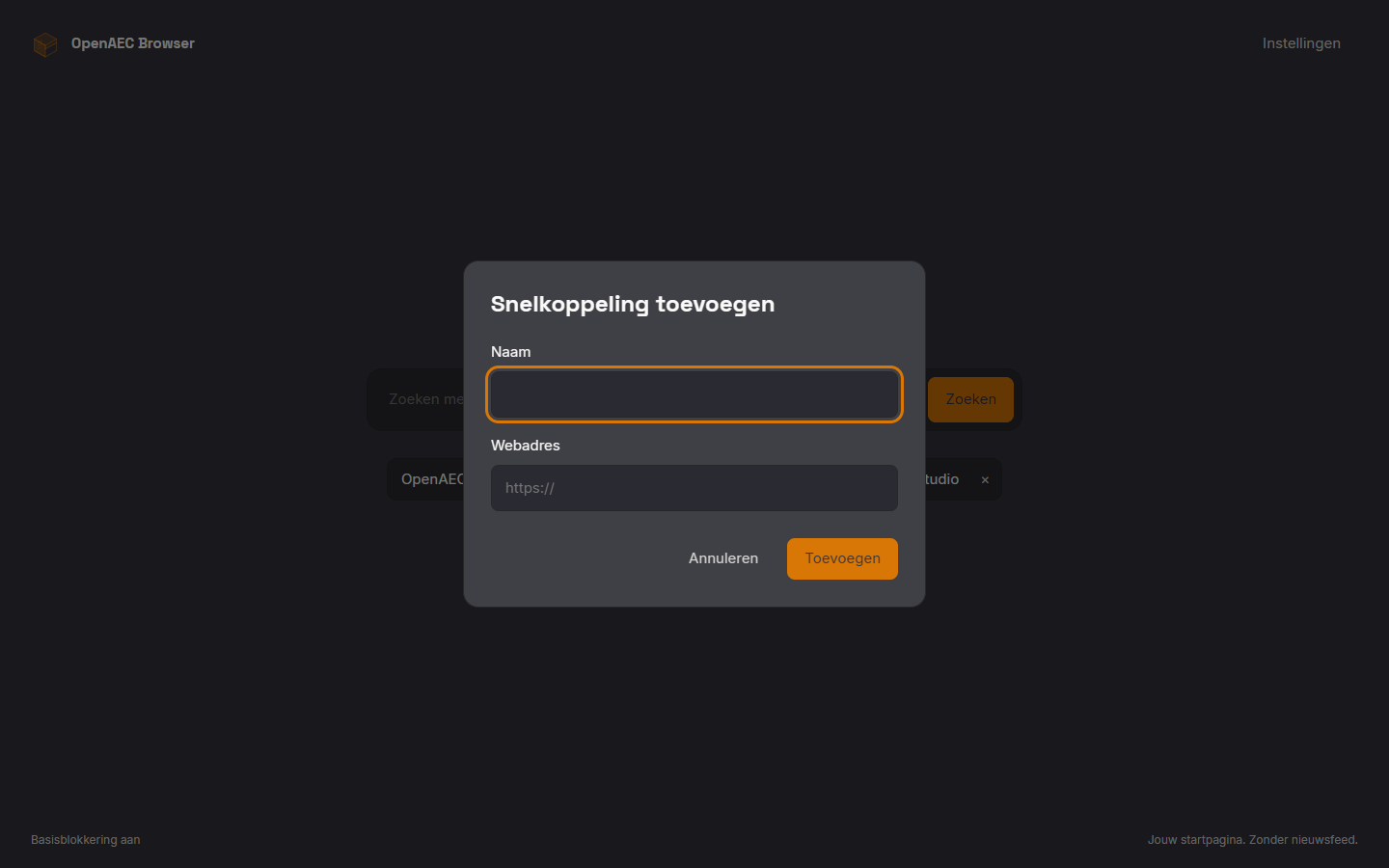
A name and a web address is all a shortcut needs. Everything stays local in your own profile.
Status
The start page, the settings and the basic blocking work and are tested in Chromium. It is not yet a standalone browser: the installers for Windows and Linux will follow.
Works now Start page, shortcuts, SuperCloud link, light and dark theme, basic blocking, exporting and importing the start page.
Next Signed installers, automatic updates, native tab styling and more complete filters.
With the SuperCloud The browser belongs to the OpenAEC SuperCloud workspace and will be rolled out there.
Stable Chromium versions pinned per platform, with source commit checks and downgrade protection.
A daily check prepares new Chromium versions for review, so security updates come through quickly.
The same design tokens and fonts as the other OpenAEC apps, shipped locally.
Let us know and you will hear as soon as the first installers are ready.