Professional-grade PDF annotation, markup, and editing without subscriptions, telemetry, or bloatware. Built with Tauri 2 and SolidJS.
Rust PDF Engine
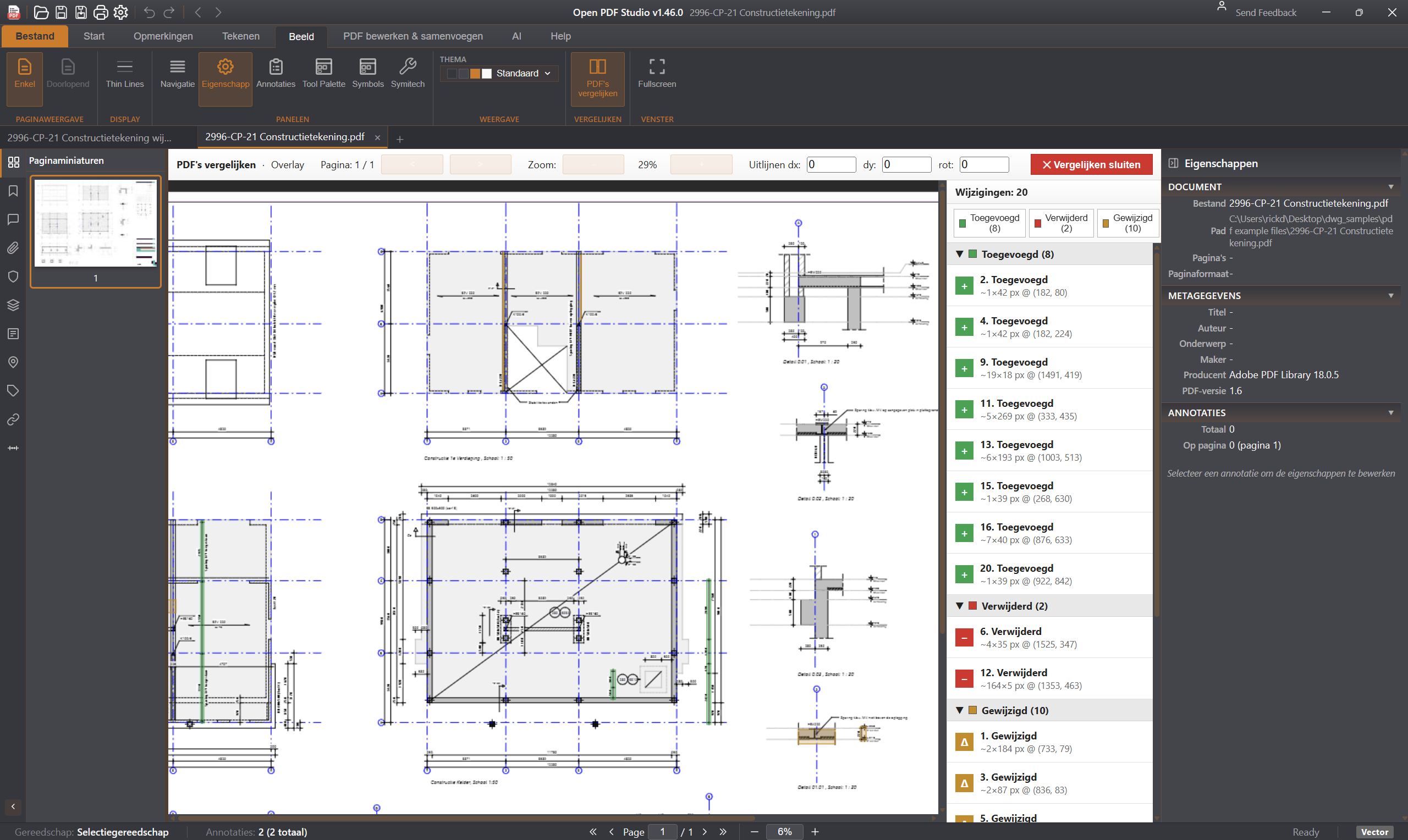
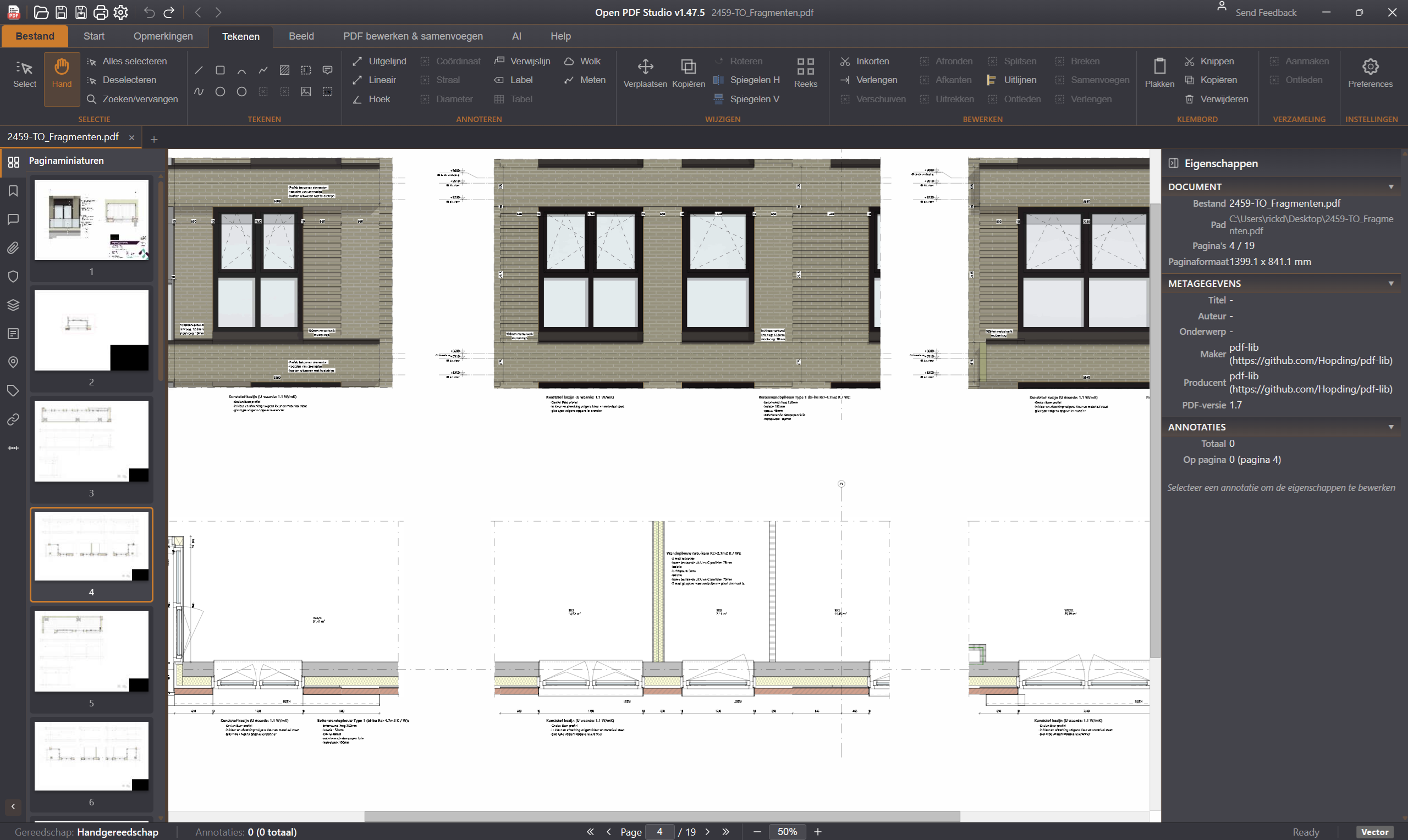
Open PDF Studio uses its own Rust PDF engine for maximum performance. Vector PDF files — technical drawings, floor plans and complex diagrams — render instantly, even at hundreds of pages. No JavaScript bottleneck, no waiting for rendering.
Highlight, underline, strikethrough, shapes (rectangle, ellipse, polygon, cloud, arrow), freehand pen, text boxes, callouts, sticky notes, stamps, and image insertion.
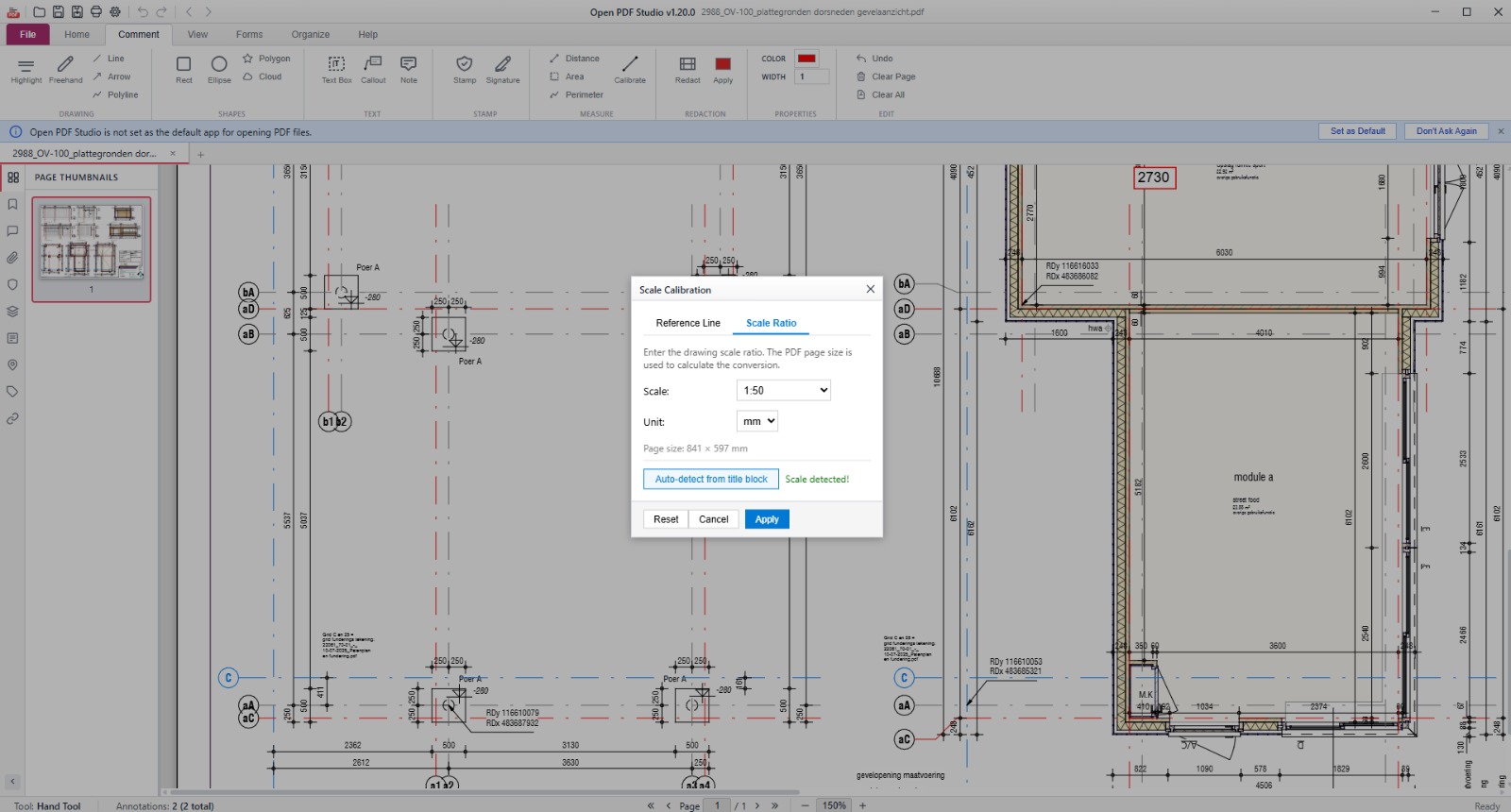
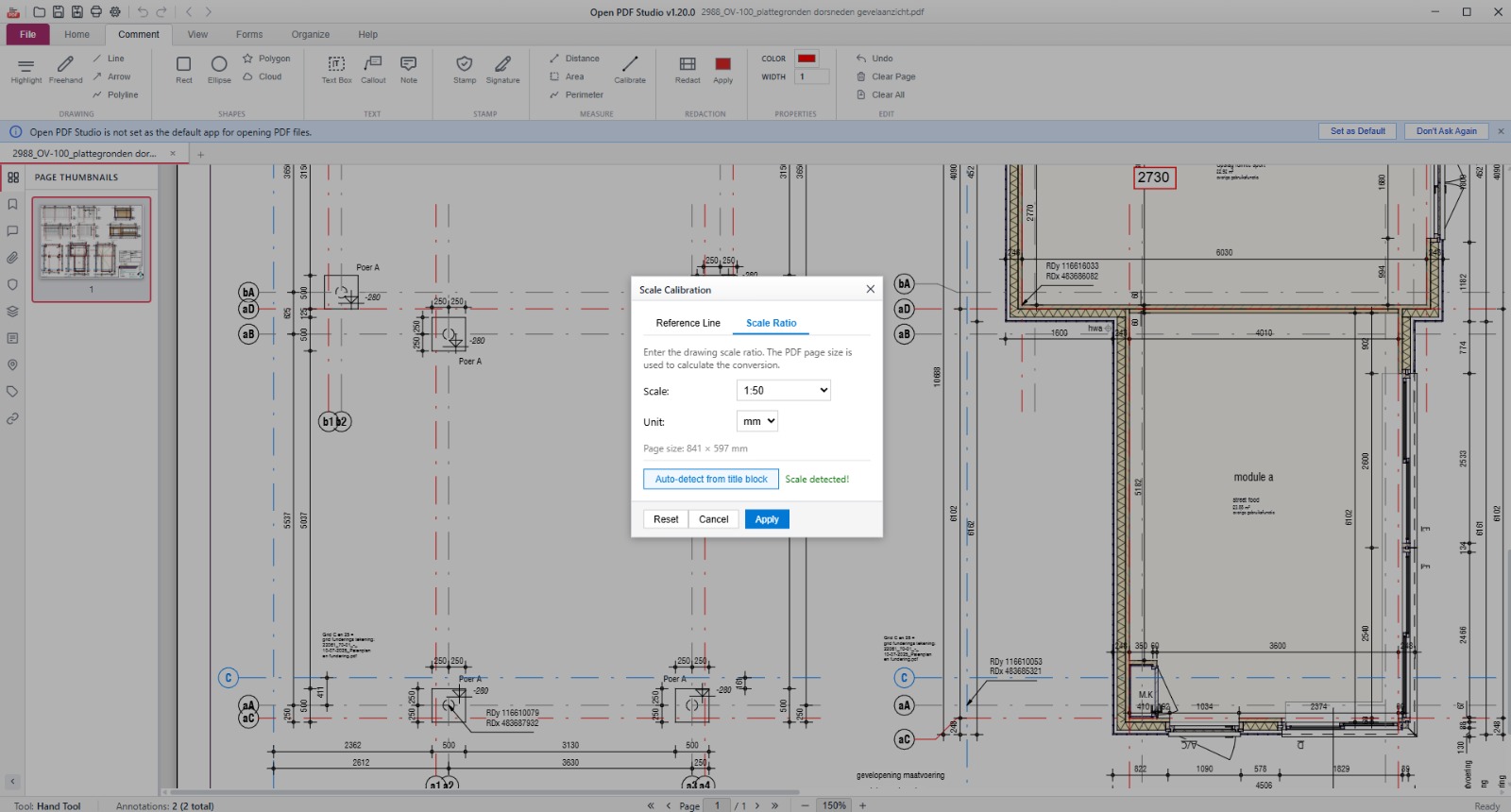
Distance, area, and perimeter measurement with scale calibration (mm, cm, inches, points). Object snapping to endpoints, midpoints, centers, and edges.
Draw multi-stroke signatures and save up to 5 for quick reuse. 10 built-in stamps including Approved, Rejected, Draft, Confidential, and Final.
Insert, delete, extract, replace, and reorder pages via drag-and-drop thumbnails. Merge multiple PDFs. Rotate pages 90/180/270 degrees.
Mark areas and apply to permanently remove sensitive content from documents.
Fill interactive PDF forms (AcroForms and XFA). Create text fields, checkboxes, and radio buttons with JavaScript validation.
Text and image watermarks with opacity, rotation, and position control. Headers and footers with page number, date, time, and filename variables.
Export pages as PNG or JPEG at 72-600 DPI. Full print dialog with live preview, page range, scaling, and print-as-image option. XFDF annotation export/import.
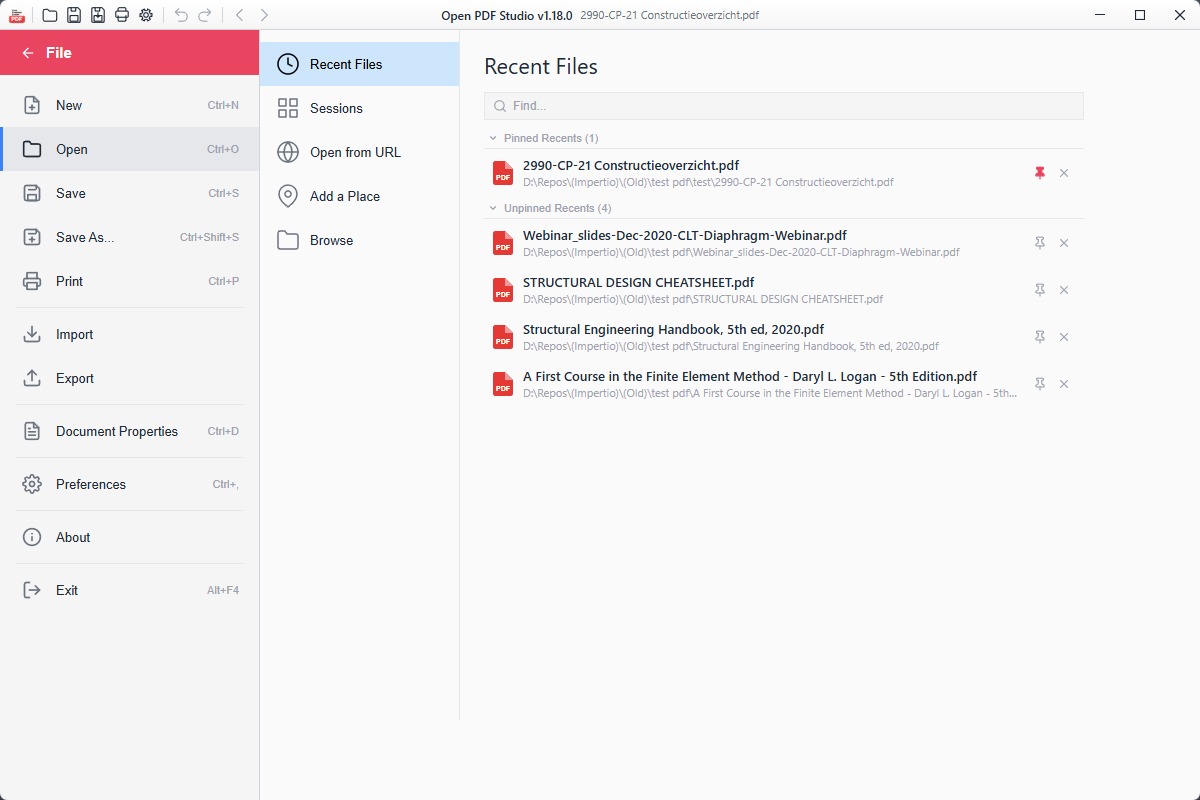
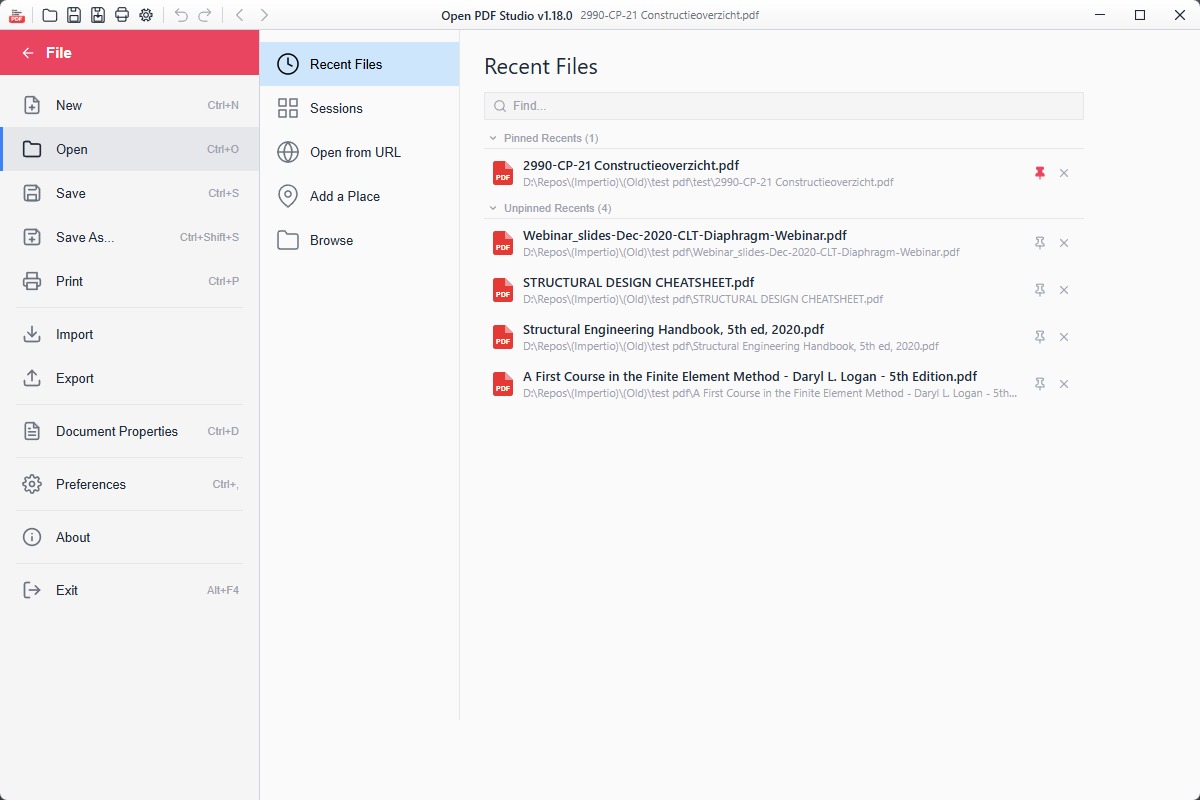
Work with multiple PDFs in tabs. Save and restore named workspace snapshots. Recent files with pin/unpin.
Full interface translation including RTL support for Arabic, Hebrew, Farsi, and Urdu. 5 themes: Dark, Light, Blue, High Contrast, and System.
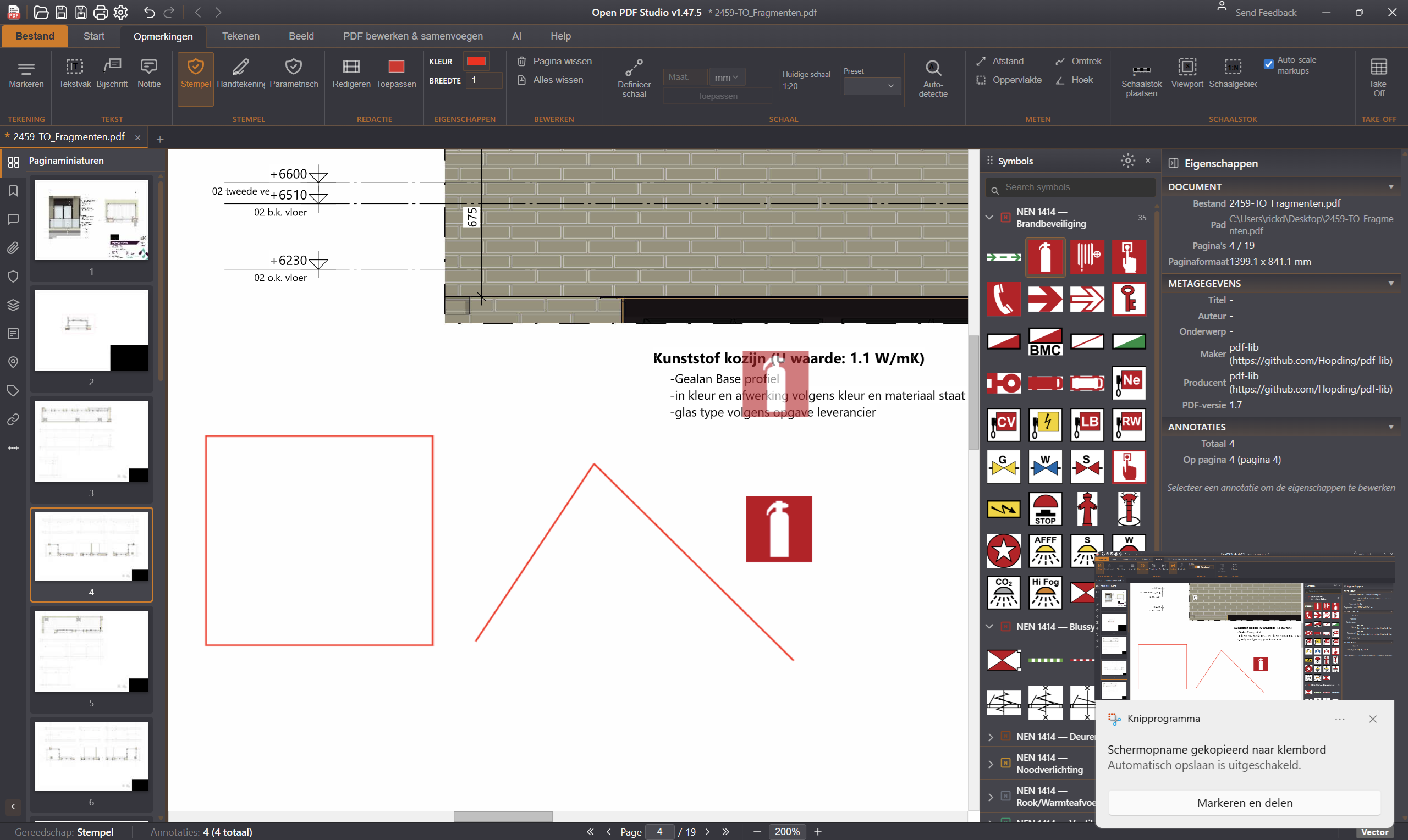
Symbol library with NEN and IFC categories, parametric symbols (reinforcement, soundings, tower crane with slewing radius) and an adjustable placement scale. CAD edits such as move, mirror, array, trim, extend and fillet.
Several scales on one sheet through scale regions. Areas, lengths and counts go into a quantity schedule, grouped by IFC category, which you place on the drawing as a table.
Place a drawing in a frame with a title block. The title block fields, such as project name, client, phase and scale, stay individually editable.
Cut a detail from one PDF and paste it into another as vector data instead of a screenshot. Sharp at any zoom and in any PDF reader; movable, or fixed into the page.
A built-in MCP server (Model Context Protocol, an open standard) lets AI models such as Claude operate the app: every ribbon feature, plus 62 tools to measure, annotate and save. The server runs locally; the file itself is not sent to an external service.
Rust backend for native performance and small binary size.
Reactive UI framework with fine-grained updates.
Mozilla PDF.js for rendering, pdf-lib for document manipulation.