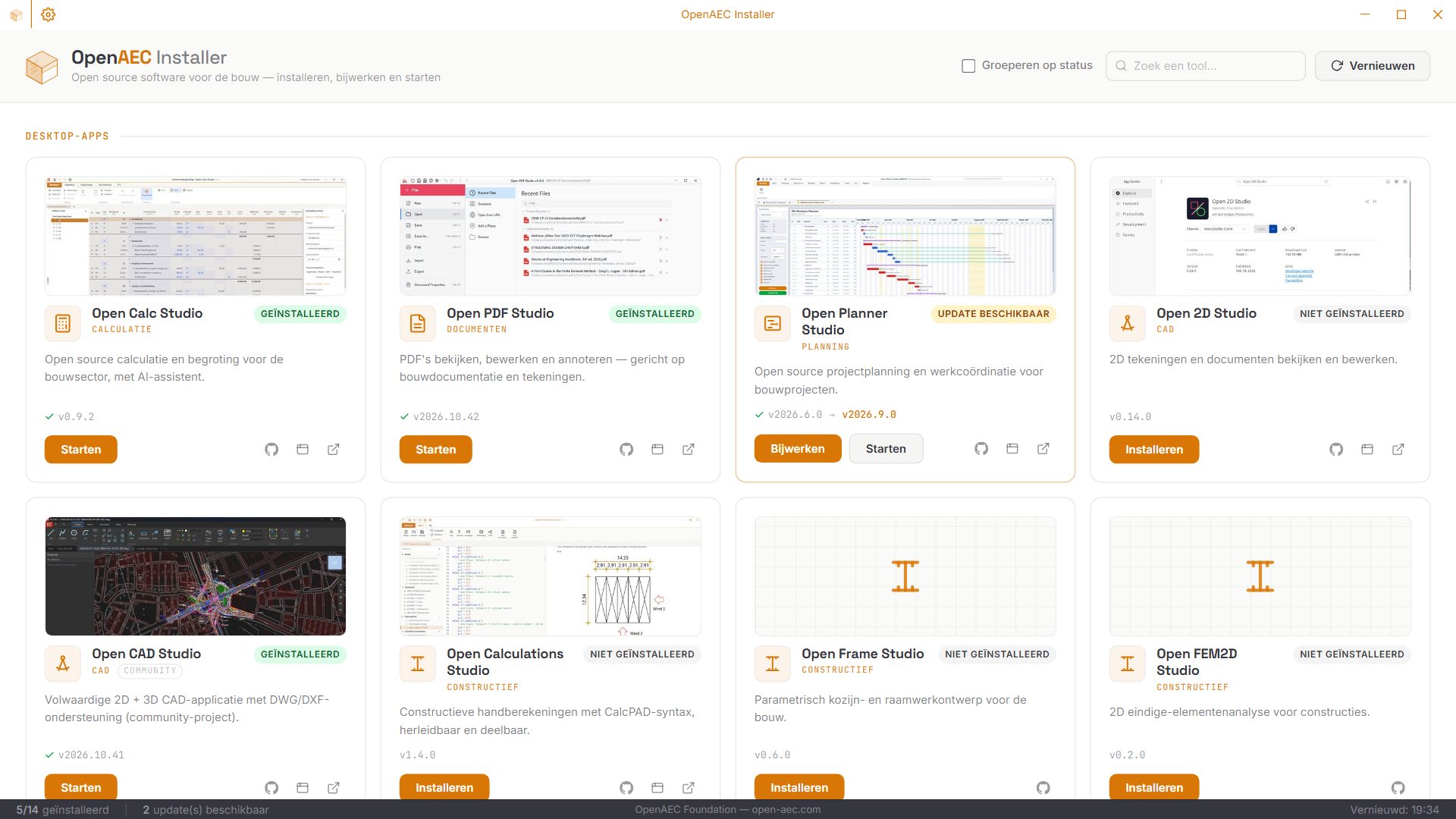
Every tool in one place
The central hub for OpenAEC’s open source construction software. Discover, install, update and launch every tool from one app, for Windows, macOS and Linux.
The OpenAEC ecosystem consists of dozens of tools, each with its own repository and its own releases. Keeping track of which version you have and where the newest one is takes time.
The Installer does that for you. It knows every tool, sees what is already on your computer and puts the newest official version from GitHub in place with one click.
Windows · macOS · Linux
The catalogue and the web tools work everywhere. Installing and updating differ per operating system.
Windows Install, update and launch through the official installers of each tool.
Linux Install through AppImages, without administrator rights and with a menu shortcut.
macOS The catalogue and the web tools work; installing desktop apps follows later.
Every OpenAEC tool with description and category: desktop apps and web tools.
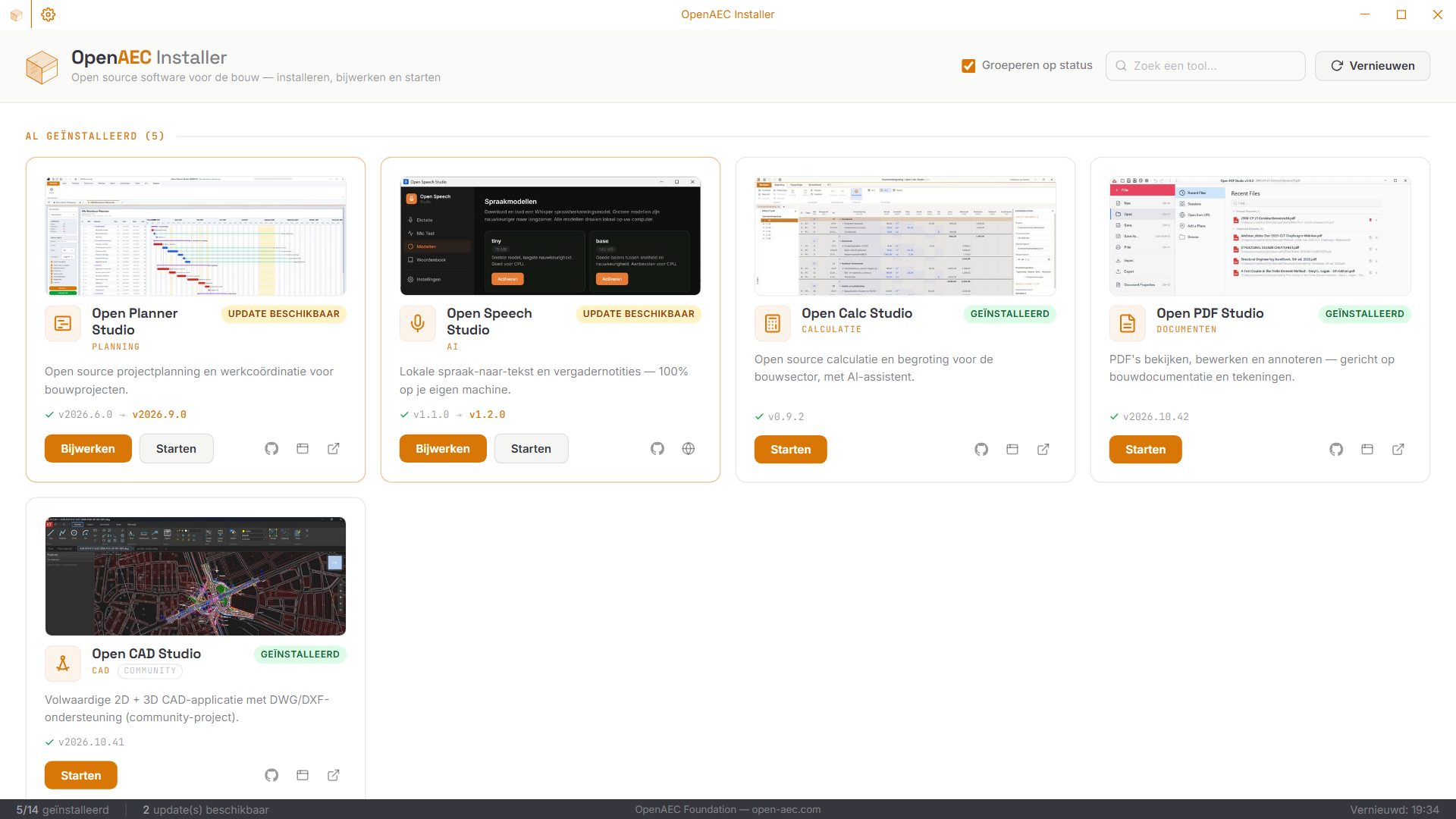
Sees which tools are already installed and which version. On Windows through the registry, on Linux through the managed AppImage folder.
Compares the installed version with the latest release on GitHub and shows where an update is ready.
Downloads the official installer from GitHub Releases and runs it. Updating works the same way.
Start installed tools straight from the Installer.
Web tools and the web versions of desktop apps run in tabs inside the Installer. Open tabs are remembered.
The Installer also checks its own version and updates itself with one click.
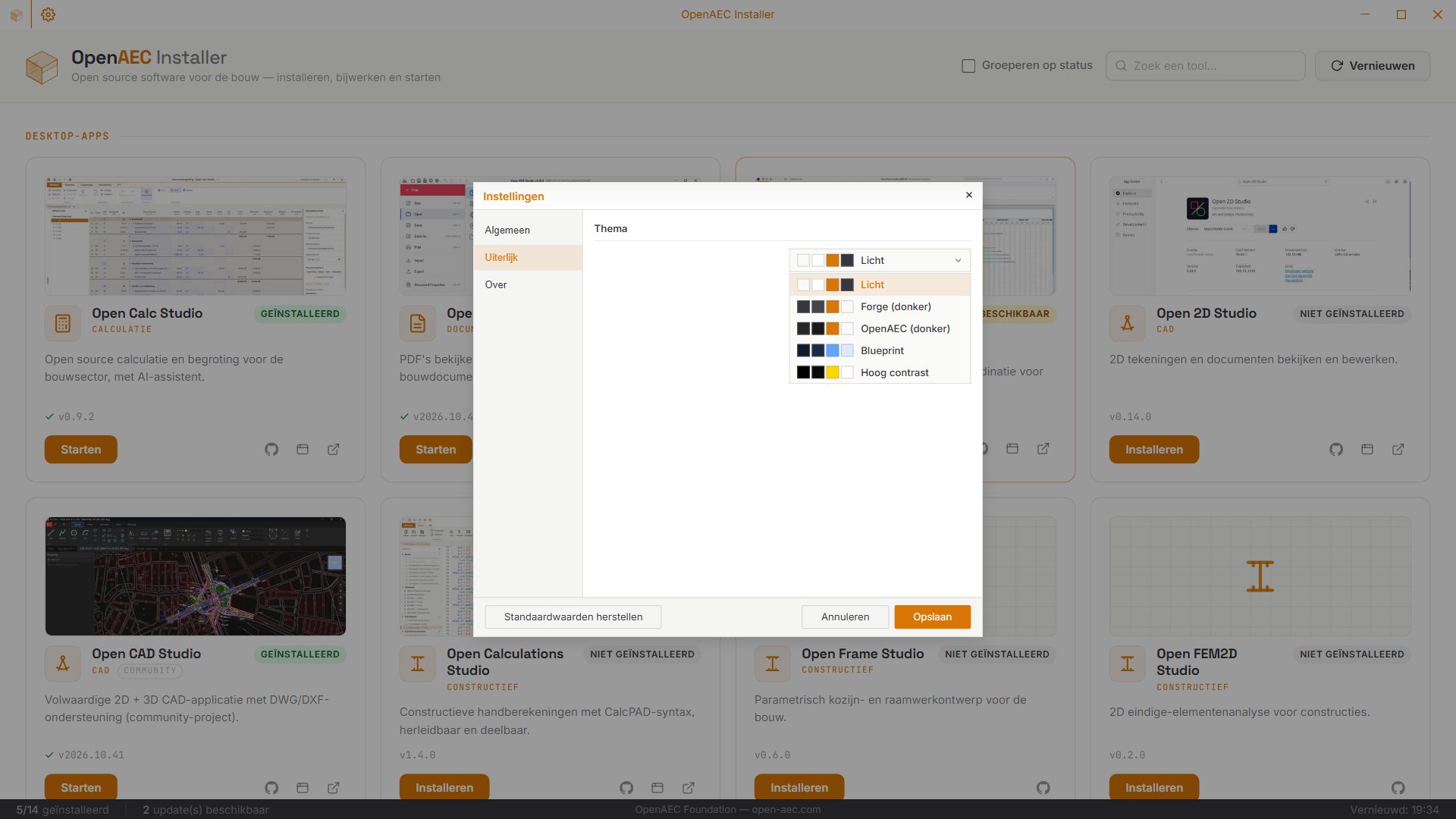
In the OpenAEC house style with the themes light, Forge, OpenAEC, Blueprint and high contrast, in Dutch and English.
Built with Tauri 2: a Rust backend that handles downloads, installations and version checks, with a React and TypeScript interface in the OpenAEC house style.